Hybrid Workplace Locker Management For Shared Office Storage
Give onsite employees convenient day-use storage while administrators assign, release, and monitor lockers without keys, paper logs, or spreadsheet guesswork.
What Hybrid Workplace Locker Management Solves
Hybrid schedules make office storage harder to manage because the people onsite change from day to day. Lockers permanently assigned to remote employees sit unused, while shared desks, hoteling areas, and employee storage zones create questions about where belongings should go and which compartments are available.
Hybrid workplace locker management creates a planned process for assigning, using, releasing, and monitoring shared lockers as attendance changes. The goal is to give employees predictable storage when they arrive while giving facilities and office teams better control over capacity, access rules, and locker availability without relying on keys or manual sign-out records.
What Gets Better in a Hybrid Office Locker Workflow
Use Locker Capacity More Fully
Flexible allocation helps prevent compartments from sitting empty all week because a remote employee has a permanent assignment. Lockers can be reserved for daily use, shared use, dedicated users, or a mixed program.
Reduce Key Handling
Keyless lockers for offices reduce the need to issue keys, collect returns, replace lost keys, or interrupt staff when an employee needs temporary storage during an onsite workday.
See Locker Activity More Clearly
Digital and software-managed locker workflows can provide assignment records, access activity, and usage visibility depending on the selected system, giving administrators a more reliable way to oversee shared employee locker management.
Keep Shared Work Areas Clear
Employees using unassigned desks have a defined place for personal items, which helps reduce clutter around workstations, collaboration areas, and shared office zones used by multiple people each day.
Change Permissions Faster
Administrators can adjust locker access around departments, visitors, temporary users, or approved credentials instead of updating paper lists whenever onsite schedules or user groups change.
Make Onsite Days Easier to Start
When employees know how to get storage before choosing a desk or joining a meeting, the day starts with fewer storage questions, fewer front desk interruptions, and less uncertainty.
Applications for Flexible Workplace Locker Management
Hybrid Office Day-Use Storage

In hybrid offices, employees may only be onsite a few days each week, but they still need dependable storage during the workday.
A workplace day locker management plan can define how temporary lockers are claimed, used, released, and made available again so storage does not remain tied to absent users.
- Plan capacity around peak onsite days rather than total headcount alone
- Set rules for same-day release, overnight storage, or cleanout timing
- Place lockers where employees naturally enter, gather, or choose desks
- Use clear signage or instructions so staff can find storage without help
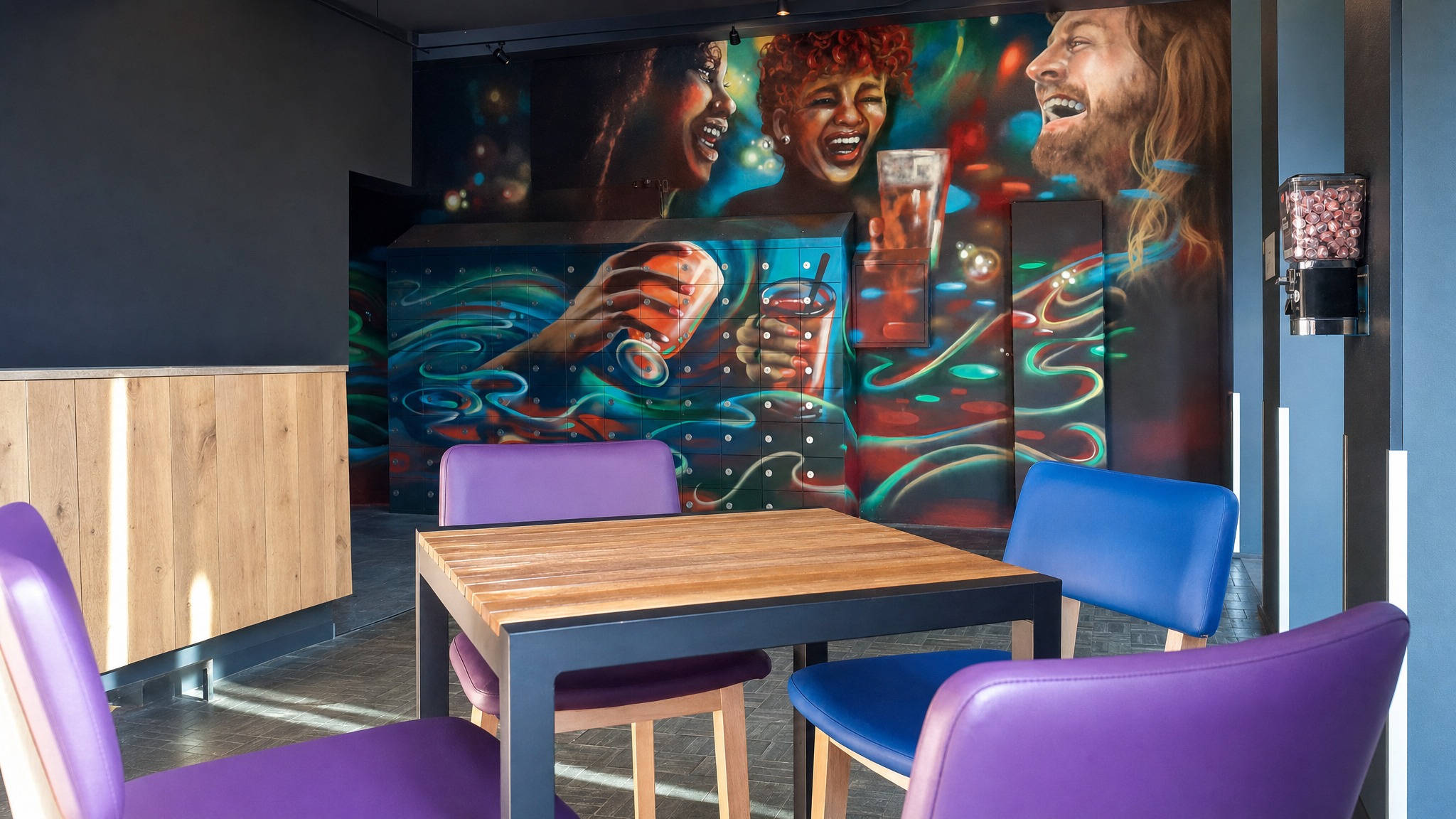

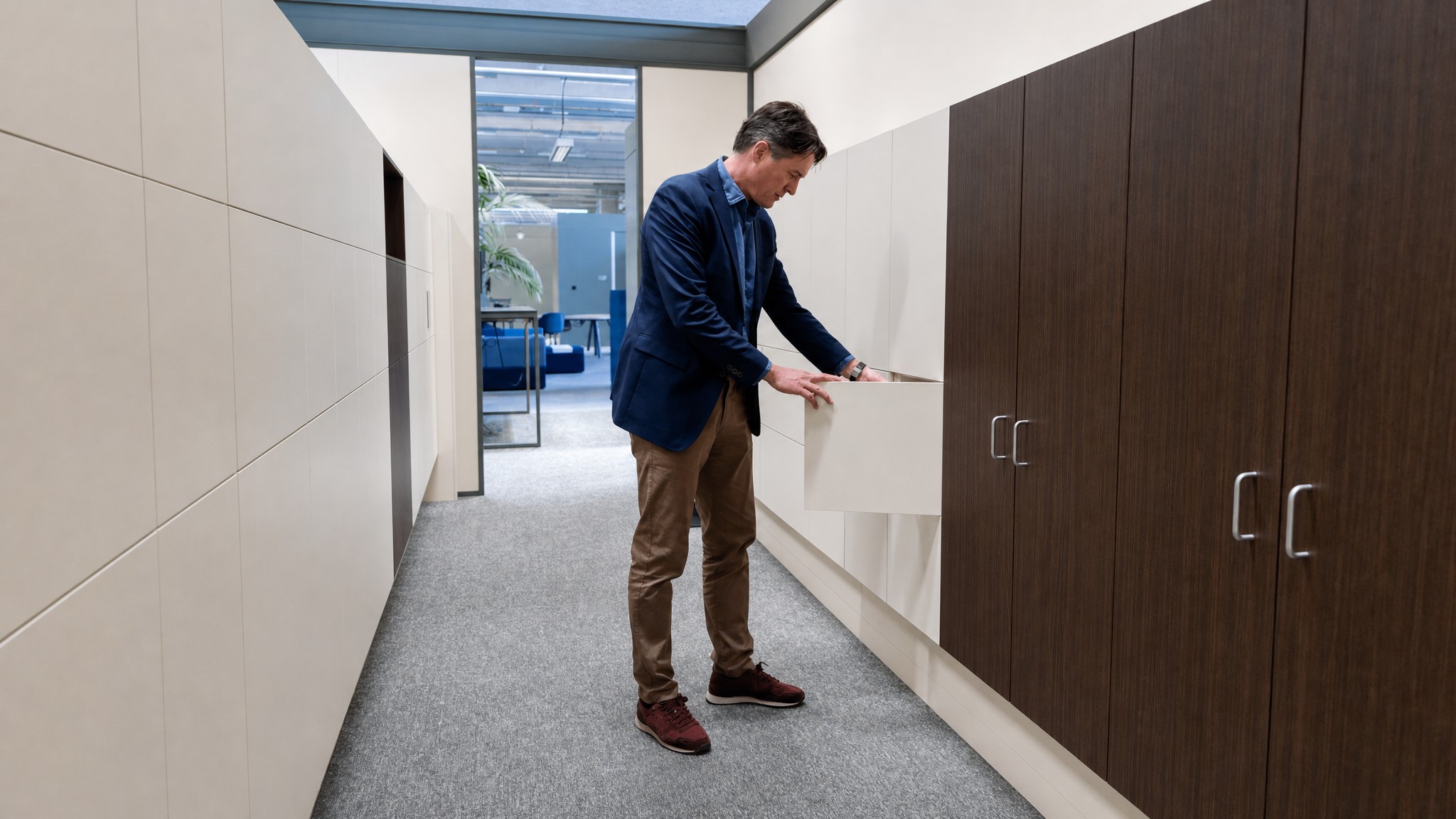
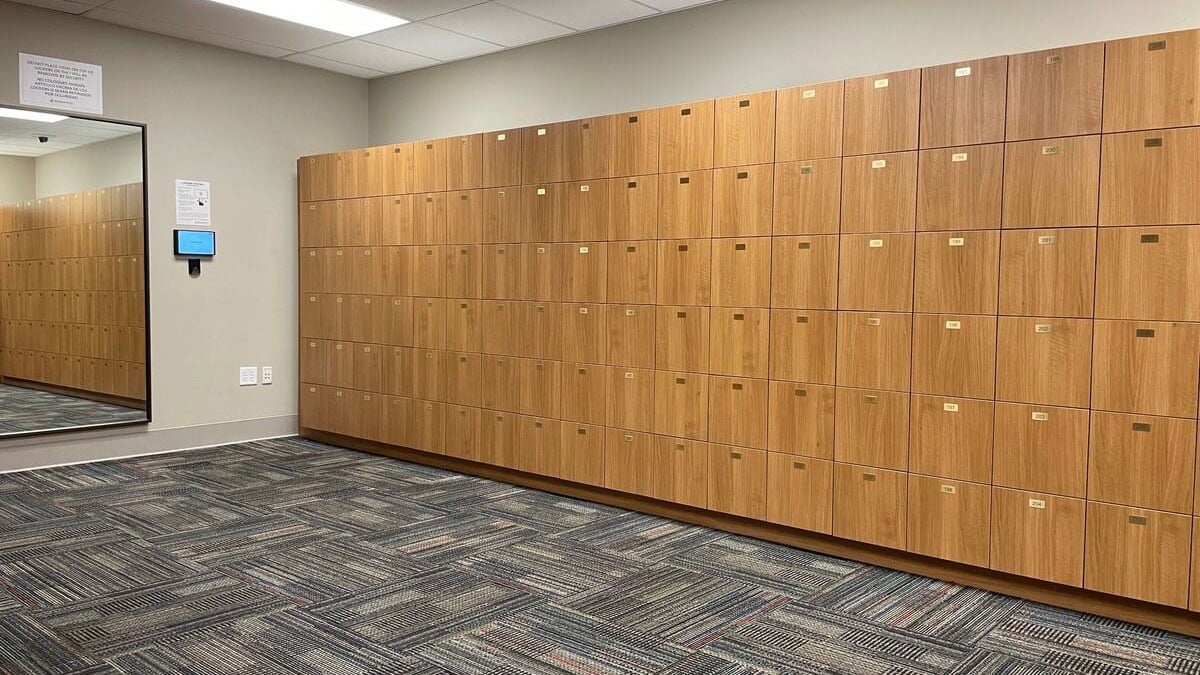

Employee Lockers: Shared Storage Layouts for Hybrid Staff
Employee lockers fit when the primary need is the physical storage layout for staff, visitors, or mixed user groups. They establish where storage belongs in the office and how compartments should be sized, grouped, and positioned around the daily movement of employees.
This option is best when the locker program can be managed with straightforward assignment rules or when the access method will be selected after the layout is planned. Confirm user groups, available floor space, finish preferences, and whether the program needs permanent, day-use, or mixed allocation.
- Best when the office needs the locker layout planned before access technology
- Useful for employee areas, shared corridors, reception zones, and flexible workspaces
- Can be planned for assigned, day-use, visitor, or mixed locker programs
- Helps align locker quantity and location with hybrid attendance patterns
- Finish and configuration choices can be reviewed during product selection
Keyless Lockers: Credential-Based Access Without Physical Keys
Keyless lockers fit when the main problem is key handling. They replace metal keys with code, PIN, RFID, card-style, QR, or mobile access methods where supported by the selected locker system.
This option works well for offices that need self-service storage without a fully software-managed locker program. Confirm which credential types are supported, how users receive instructions, who resets access, and what rules apply to release, cleanout, and abandoned items.
- Best for offices moving away from keys and paper sign-out sheets
- Supports keyless or code-access storage where available by system
- Useful for hoteling areas and shared employee locker management
- Can reduce lost-key follow-up and manual key distribution
- Existing badge or credential compatibility should be evaluated before selection


Smart Lockers: Software-Managed Locker Use and Visibility
Smart lockers fit when locker use changes often and administrators need more visibility than a basic keyless setup provides. Depending on configuration, software-managed lockers can support authenticated access, assignment records, alerts, logs, and administrative review.
This option is most useful for larger hybrid workplaces, multi-floor offices, or teams with department-level policies. Confirm user volume, credential requirements, IT involvement, power or connectivity needs, administrator roles, and how locker data should be reviewed.
- Best for workplaces that need centralized locker administration
- Can support badge, PIN, QR, or mobile access depending on system configuration
- May provide usage visibility, logs, alerts, and audit trails where configured
- Useful when locker assignments change frequently across teams or floors
- Requires planning around administration, credentials, connectivity, and policies
Common Locker Management Approaches for Hybrid Offices
Hybrid workplaces often compare manual methods with keyless and software-managed options. Some approaches are legacy workarounds, while others are recommended paths that Southwest Solutions Group can help plan, design, and install.
| Approach | How It Works | Best Fit | Hybrid Office Limitation | Role In The Decision |
|---|---|---|---|---|
| Permanent Locker Assignments | Each employee receives a fixed locker regardless of how often they are onsite. | Employees who need daily dedicated storage or teams with stable attendance. | Compartments can sit unused when assigned employees work remotely, reducing availability for people who are onsite. | Limited-fit option that may still belong in a mixed assigned and flexible program. |
| Keys And Paper Sign-Out Sheets | Office staff issue keys and track locker use manually on paper. | Very small environments with low turnover and little schedule variation. | Lost keys, unclear availability, and manual follow-up create friction when attendance changes daily. | Legacy method to replace when office storage becomes difficult to manage. |
| Spreadsheet-Based Tracking | Administrators update locker assignments and availability in a shared file. | Early planning or small locker areas with few users. | Records can fall out of date quickly when people reserve, abandon, or change lockers throughout the week. | Temporary workaround that can reveal the need for a managed locker process. |
| Flexible Keyless Locker Access | Employees use approved keyless access methods instead of physical keys to open available or assigned lockers. | Hybrid offices, hoteling areas, visitor storage, and workplace day locker management. | Requires clear rules for assignment, release, cleanout, and user instructions. | Recommended path for reducing key management and supporting self-service storage. |
| Smart Locker Management | Locker use is managed through software with configurable access rules, monitoring, alerts, and audit visibility depending on system configuration. | Larger offices, changing schedules, department-level policies, and administrators who need usage records. | Requires planning around IT involvement, credentials, power, connectivity, and administration. | Recommended path for more dynamic hybrid workplace locker management. |
How SSG Plans Hybrid Workplace Locker Management
Southwest Solutions Group helps offices define how shared lockers should be assigned, accessed, released, and reviewed before selecting a locker system. That planning connects the physical layout, access method, and administrative process to the way employees actually use the hybrid workplace.
Assess Your Space
We review where employees need storage during the day, how many people are onsite during peak periods, which groups need access, and where lockers should be placed to avoid congestion.
Recommend the Right Solution
We compare assigned lockers, day-use lockers, keyless access, and smart locker management based on your storage rules, user groups, release process, and desired level of administrator visibility.
Design & Engineer the Layout
We plan locker placement and configuration around available footprint, traffic patterns, user groups, and surrounding office areas. Powered or software-managed options can also be reviewed for power, connectivity, and administrative requirements.
Install & Support
SSG provides delivery and installation support for the selected locker system and helps align the final setup with your intended assignment, release, and user instruction process.
Frequently Asked Questions
Hybrid office lockers can be assigned permanently, used temporarily, or managed with a mix of both approaches. Employees use storage when they are onsite, while administrators define how lockers are claimed, released, cleaned out, and made available again.
Some locker systems can support access methods such as PIN, RFID, badge-style credentials, QR codes, or mobile access depending on the selected technology. Existing credential compatibility should be evaluated during planning with IT, security, and the locker system requirements.
Yes. A hybrid workplace locker program can include dedicated lockers for employees who need recurring storage and flexible day-use lockers for people who only come in on certain days. The right mix depends on attendance patterns, department policies, and how long items should remain in a locker.
Capacity planning should consider peak onsite days, employee groups, visitor storage, departments with special needs, and what employees typically store. SSG can help evaluate whether lockers should be permanently assigned, released after use, or grouped by floor, team, or access policy.
Keyless lockers reduce physical key handoffs, lost-key follow-up, and manual sign-out steps. They also give employees a more convenient way to access storage in shared work environments such as hoteling areas, lounges, and break rooms.
Employee lockers are the physical storage system for staff belongings. Keyless lockers focus on access without metal keys, while smart lockers add software-managed features such as user authentication, alerts, logs, and administrative visibility depending on configuration.
A locker program can be planned around department-level access policies, visitor use, employee groups, or other approved users. The level of control depends on the selected locker technology and how access rules are configured.
Locker systems with assignment records, access logs, or audit trails can support internal accountability where those features are included. Formal compliance, privacy, security, or workplace policy requirements vary by organization and should be reviewed during project planning.
Related Products
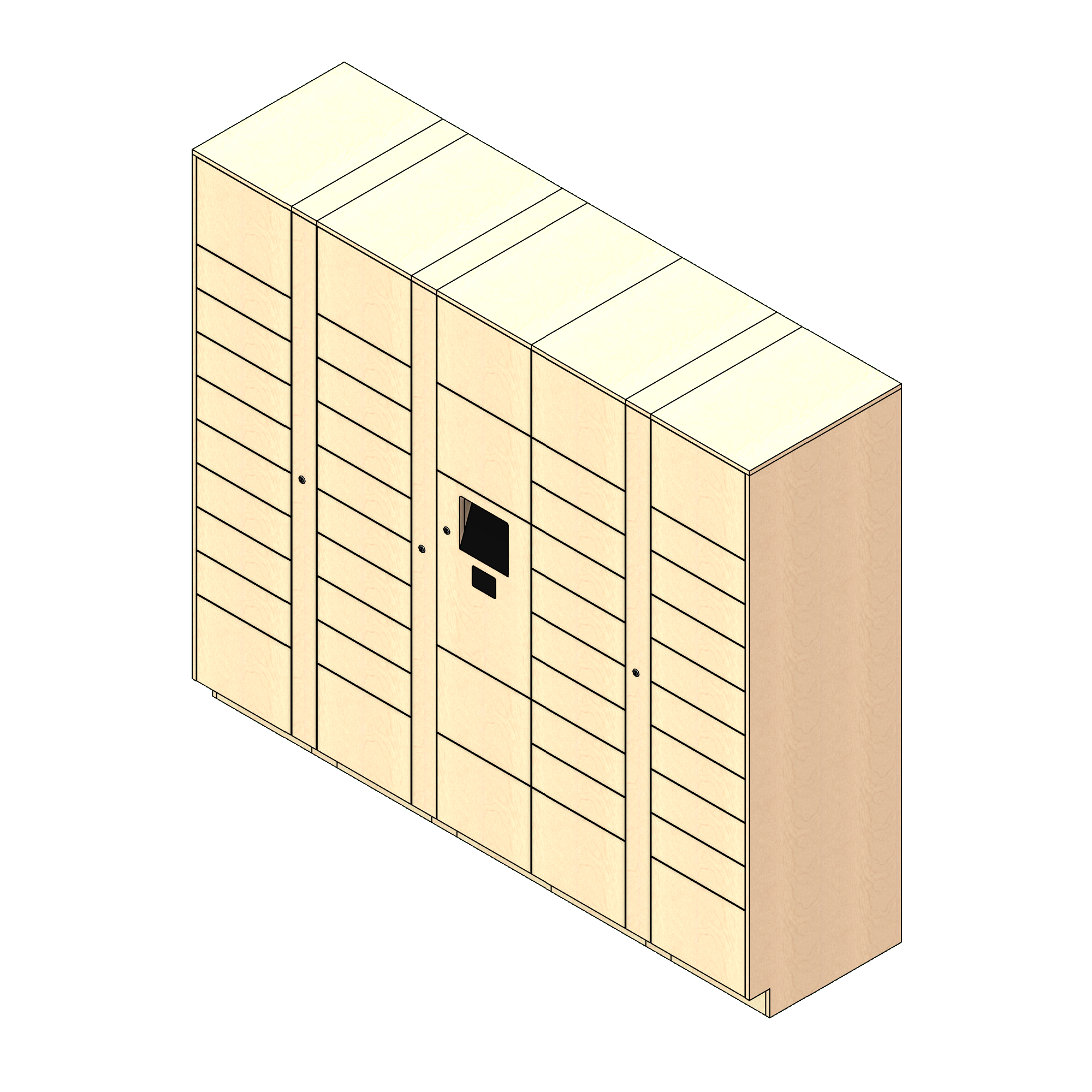
Smart Lockers
Smart lockers fit when locker use changes often and administrators need more visibility than a basic keyless setup provides.
Explore Smart Lockers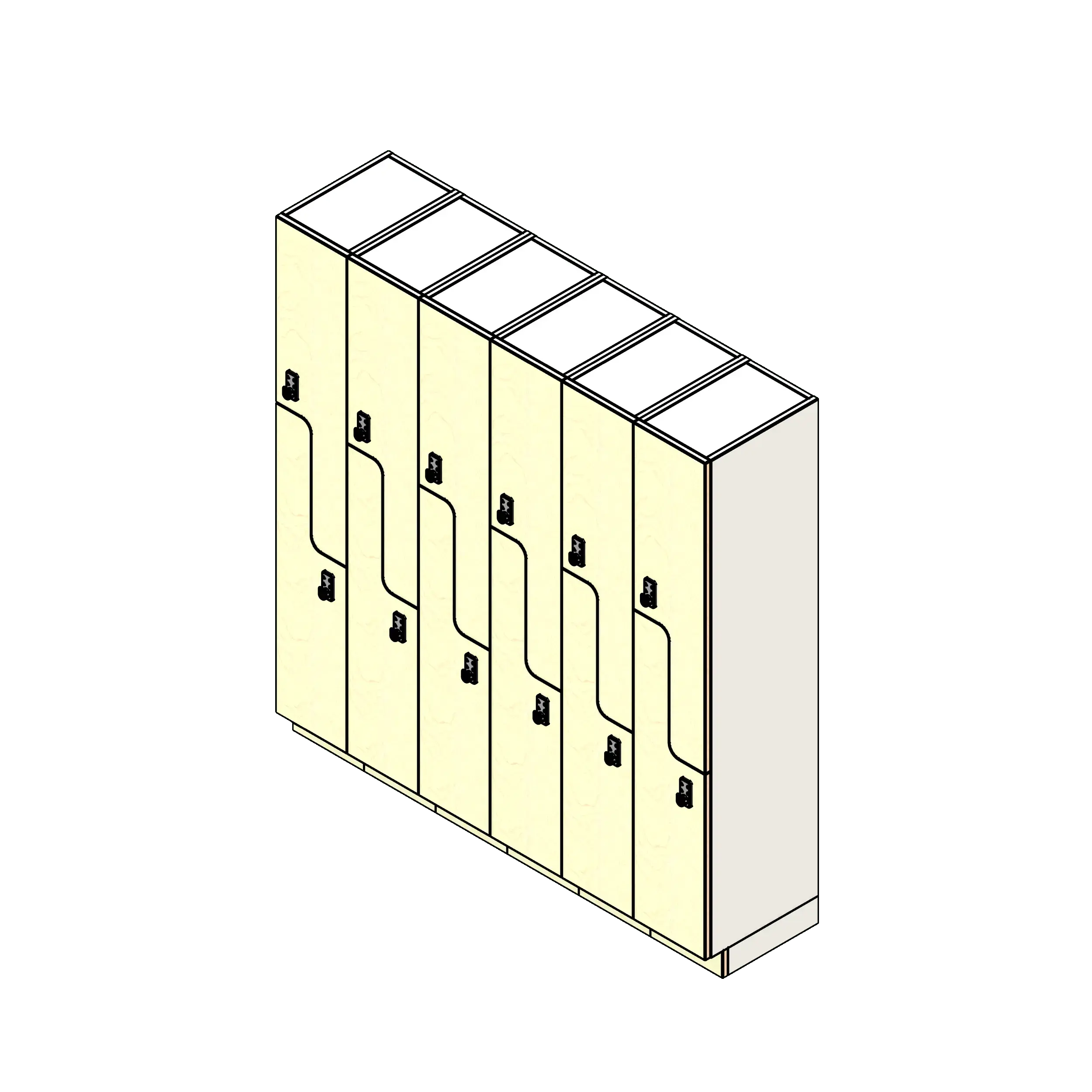
Employee Lockers
Employee lockers fit when the primary need is the physical storage layout for staff, visitors, or mixed user groups.
Explore Employee Lockers
Keyless Lockers
Keyless lockers fit when the main problem is key handling. They replace metal keys with code, PIN, RFID, card-style, QR, or mobile access methods where supported by the selected locker system.
Explore Keyless LockersBuild a Locker Program That Matches Hybrid Attendance
Tell us how employees use your office, where storage is needed, and how you want lockers assigned, released, and monitored. Southwest Solutions Group can help evaluate the right mix of employee lockers, keyless access, and smart locker management before you commit to a layout or product direction.
We can review your attendance patterns, user groups, access preferences, space constraints, and installation requirements so your shared locker program supports the way your hybrid workplace actually functions.
Call us at (800) 803-1083 or Contact Us to get started.
Get a Custom Design