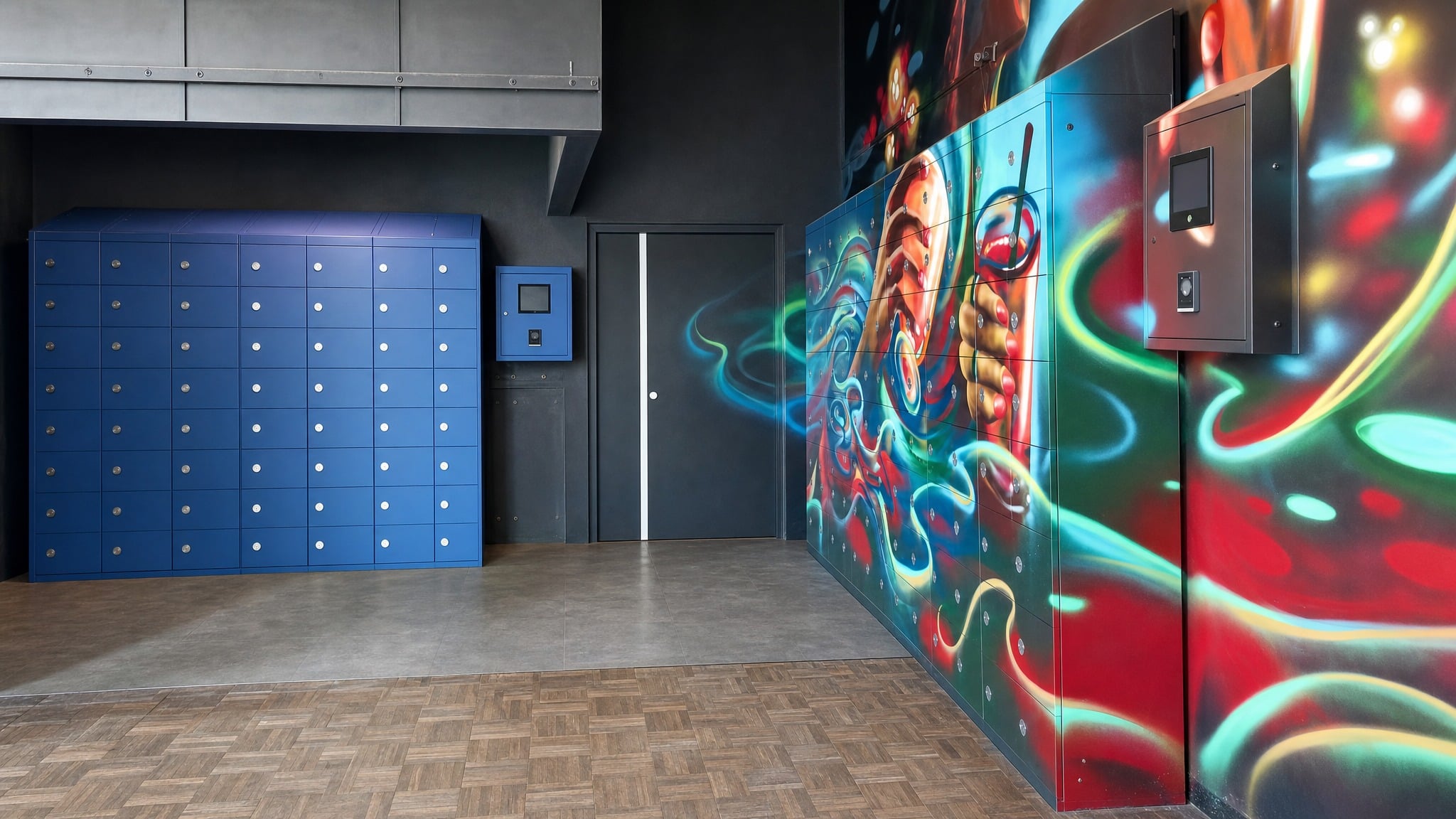
How To Track Shared Tools And Equipment Without Paper Logs
For teams deciding how to track shared tools and equipment, controlled pickup and return workflows help reduce missing items, skipped sign-outs, and shift handoff confusion.
How to Track Shared Tools and Equipment with Controlled Access
Shared tools and equipment are easy to misplace when pickup and return depend on open shelves, paper logs, spreadsheets, or verbal handoffs. In maintenance shops, tool cribs, warehouse support areas, and shared device rooms, one missed entry can leave supervisors unsure who has an item, whether it came back, or where follow-up should begin.
A controlled shared-asset workflow gives authorized employees a defined place to retrieve and return items while recording activity when the selected system supports transaction history. The right approach depends on whether the facility needs return tracking, secure keyless access, controlled dispensing, or a combined path for different categories of shared assets.
What Gets Better When Shared Asset Pickup Is Controlled
Reduce Untracked Pickups
Authenticated access makes it harder for shared assets to leave storage without a user action tied to the event. Managers gain a clearer starting point when an item is not where it should be.
Confirm Returns More Reliably
When return activity is recorded, supervisors do not have to depend on memory or incomplete log entries. They can see whether an item was returned and focus follow-up on exceptions.
Spend Less Time Searching
A defined checkout and return process narrows the search when equipment is missing. Teams can check transaction history first instead of walking the floor, checking carts, or interrupting crews.
Keep Self-Service Access Accountable
Authorized employees can retrieve appropriate items without waiting for a staffed counter, while managers retain more visibility than an honor-system cabinet or open shelf provides.
Limit Access by User or Role
Access rules can be planned around approved employees, departments, shifts, or roles. This helps keep restricted equipment from being available to everyone with room access.
Match Storage to Real Item Sizes
Compartment planning helps assign the right storage opening to each returnable item. That reduces forced fits, misplaced equipment, and confusion about where specific assets should be returned.
Applications for Shared Tool Tracking
Maintenance Tool Checkout from a Tool Crib
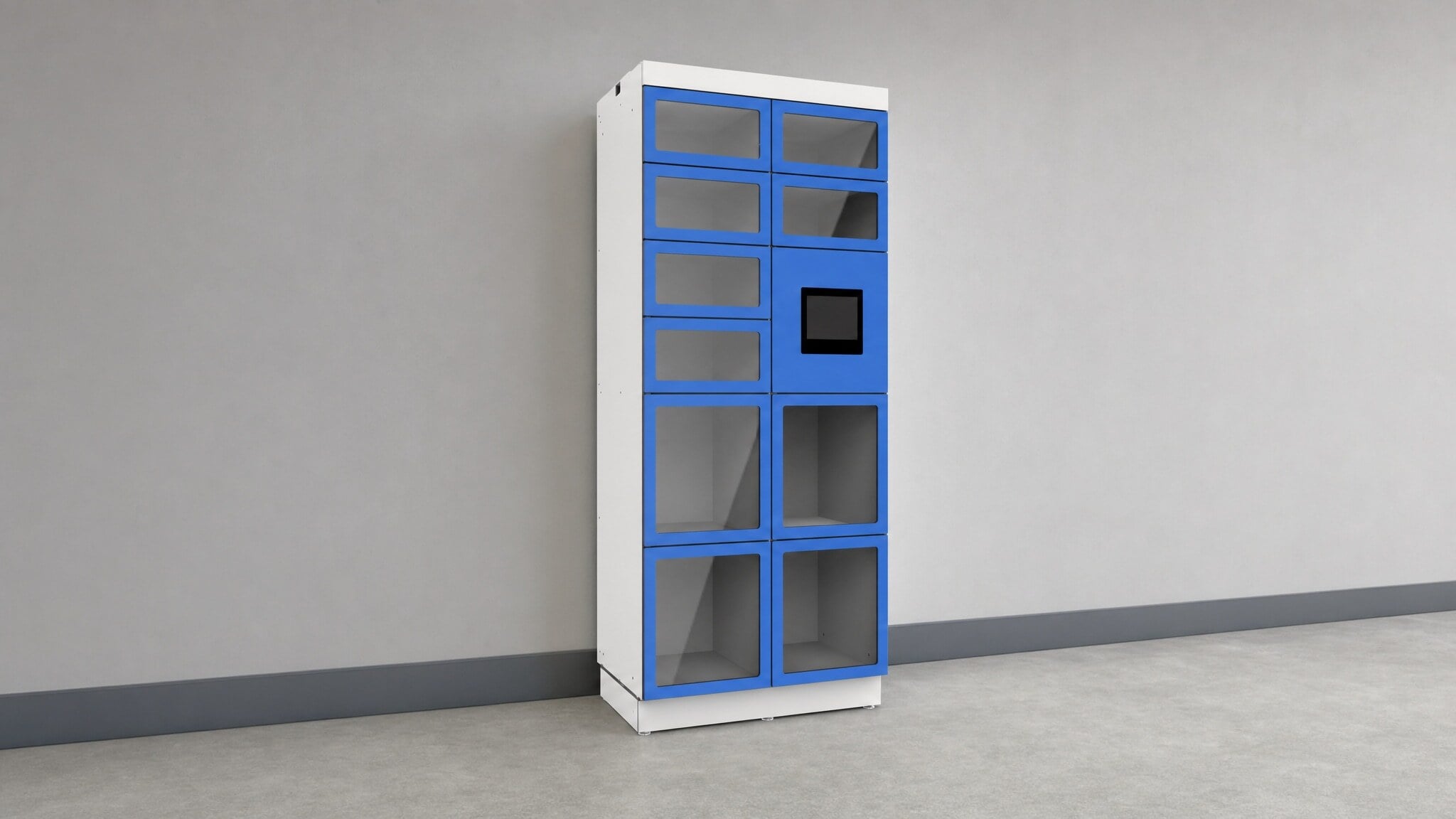
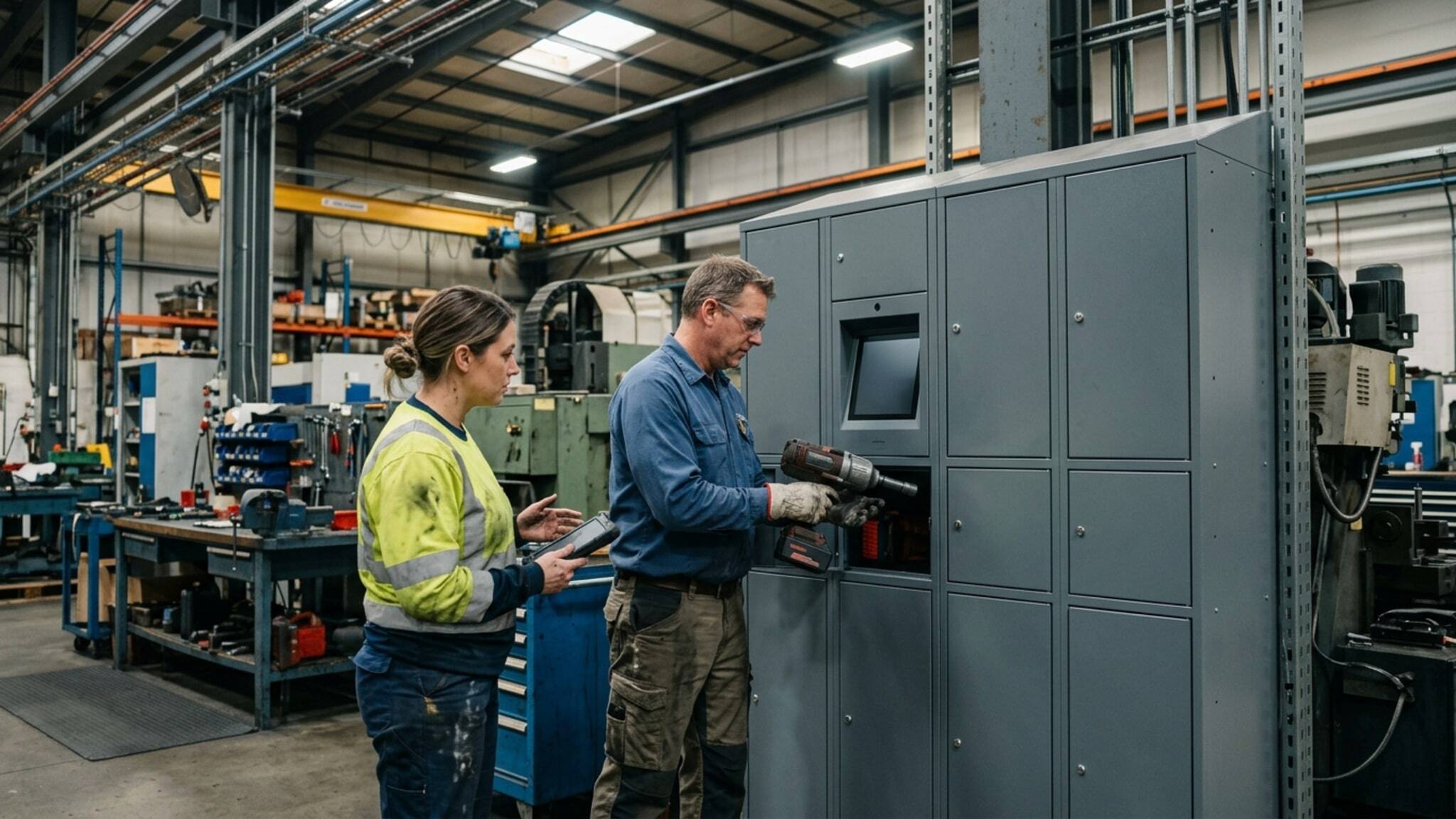
Maintenance teams often share drills, meters, specialty tools, and job kits from a crib or support area. When checkout depends on a handwritten sheet, the record may not match what is actually missing.
A controlled checkout point gives technicians a repeatable retrieval and return process. Managers can review supported pickup and return records to decide who to contact when an item is overdue or unaccounted for.
- Maintenance shops and plant support areas
- Returnable tools and shared kits
- User-based pickup records
- Exception follow-up for missing items
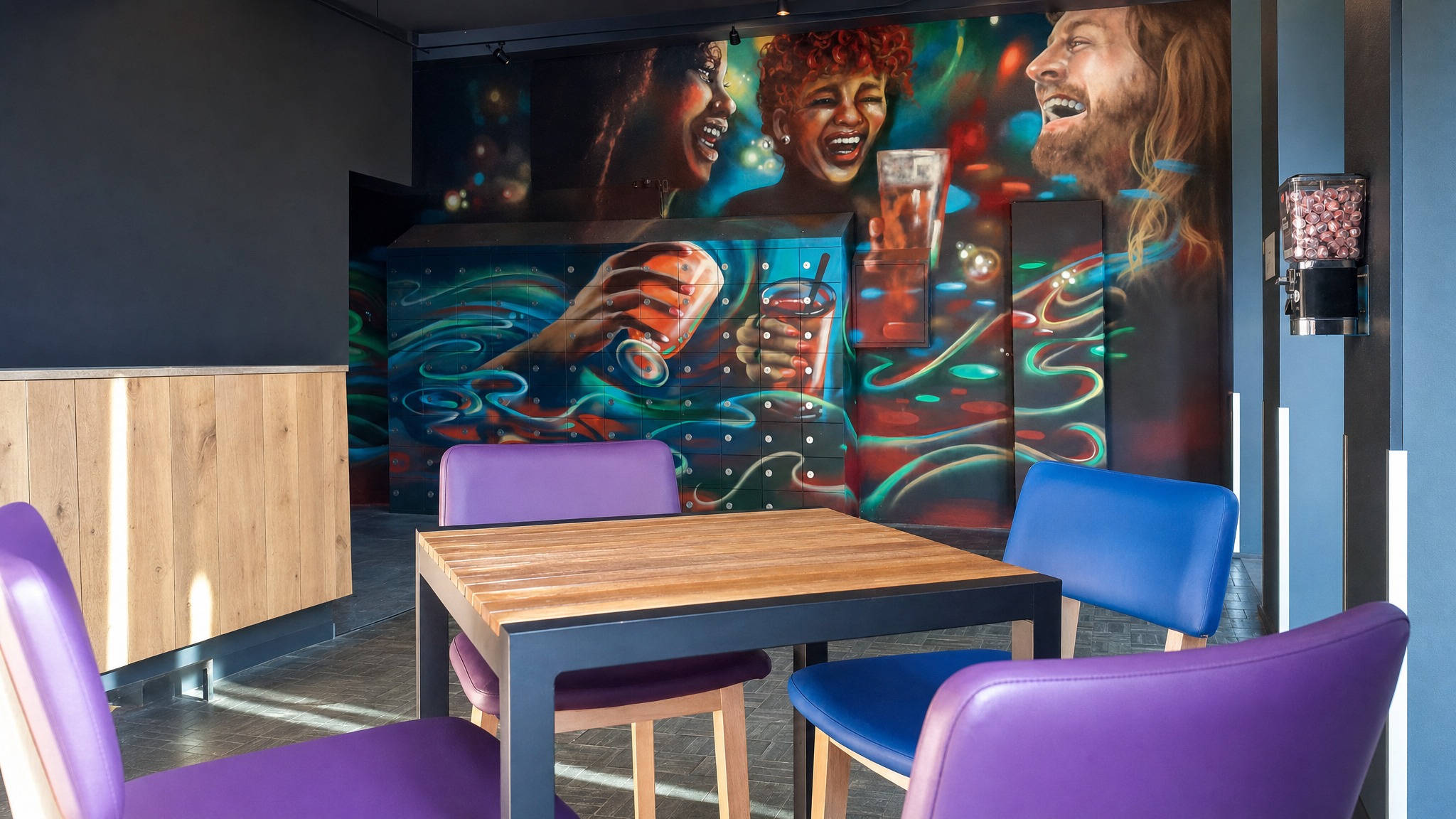


Smart Lockers: Controlled Pickup and Return for Shared Assets
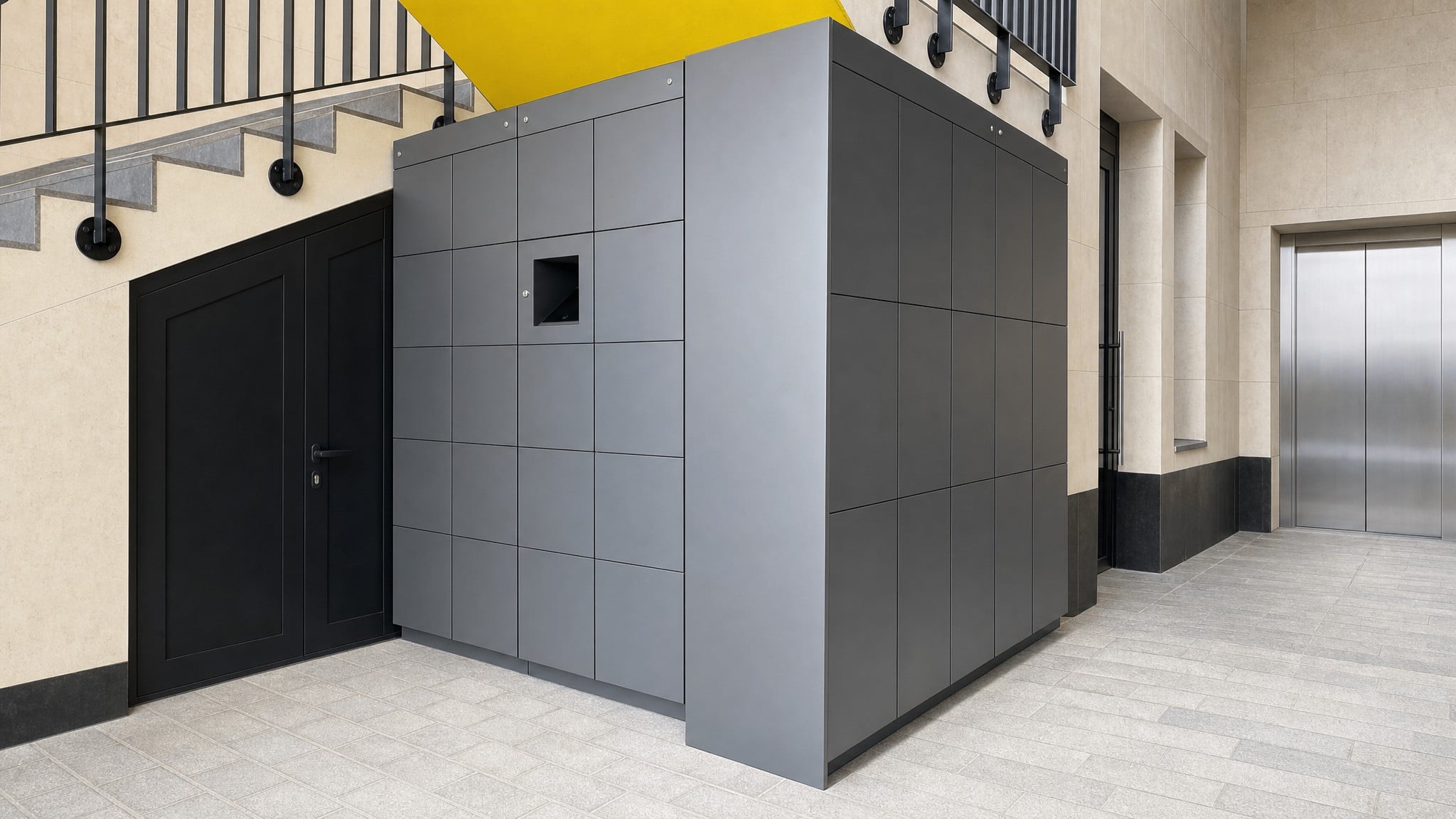
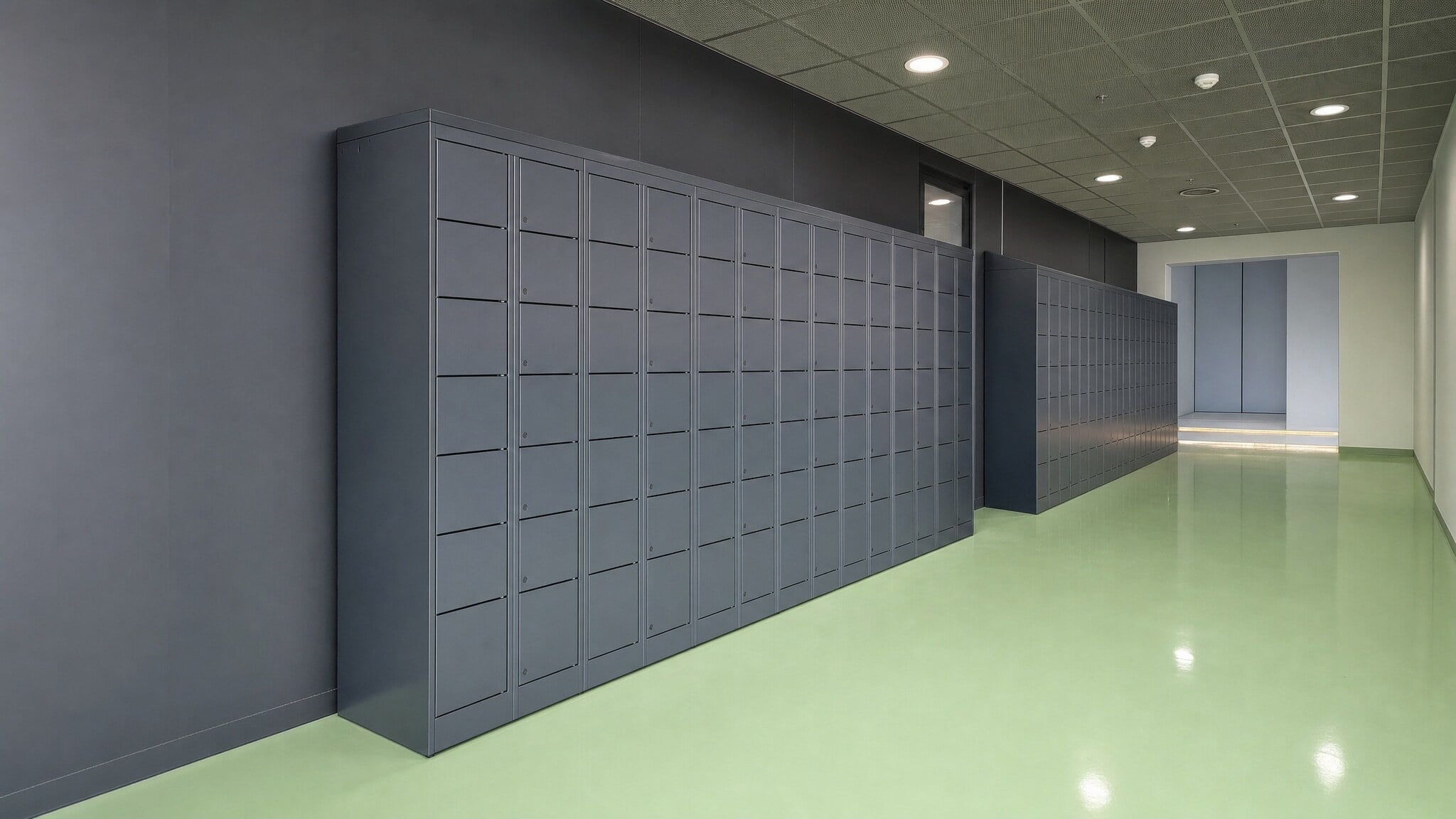
Smart lockers are the primary path when the goal is to track who retrieved a returnable item and whether it came back. They can support authenticated self-service pickup and returns, with transaction visibility such as alerts, logs, analytics, or audit trails depending on the selected configuration.
This option fits shared assets that can be placed in planned compartments and need more accountability than an open shelf or basic cabinet provides. Before selection, confirm item dimensions, user groups, credential methods, power, connectivity, and how managers will review exceptions.
- Best for returnable tools, devices, and equipment that fit compartments
- Supports authenticated pickup using badge, PIN, QR, or mobile methods when configured
- Can provide logs, alerts, analytics, or audit trails depending on system selection
- Useful for role-based access, shift handoffs, and overdue-item follow-up
- Requires planning around item size, user volume, power, connectivity, and administration
Keyless Lockers: Secure Access Without Managing Physical Keys
Keyless lockers are a practical fit when the main issue is replacing physical keys, unmanaged cabinets, or basic locks with code-access or credential-compatible storage. Depending on the selected system, access may use keypad, RFID, card, or mobile credential methods, with optional audit trails or dashboards available on some configurations.
This option works best when the buyer needs secure shared storage but does not require a full automated pickup and return workflow for every item. Confirm whether lockers will be assigned, shared, or dynamic, and whether audit tracking is required for employee equipment accountability.
- Best for controlled keyless access to shared items or personal equipment
- Can use PIN, RFID, card, or mobile credentials depending on system choice
- Helps reduce lost key replacement and manual key control
- May support audit trails or dashboards when selected and configured
- Best when access control is more important than detailed return workflow records


Industrial Vending Machines: Controlled Dispensing for Supplies and Selected Tools
Industrial vending is the better path when the facility needs to control issue activity for PPE, consumables, supplies, or selected tools rather than manage each item as a returnable asset. Dispensing can be tied to a user or job code when the selected system supports that level of tracking.
This option should be compared against lockers by asking whether the item must come back, how it will be replenished, and what managers need to review. Some facilities use vending for supplies and lockers for returnable equipment when both issue control and return tracking are needed.
- Best for PPE, supplies, consumables, and selected issue-controlled tools
- Useful when usage tracking matters more than return confirmation
- Can support badge-based dispensing and job-code visibility when configured
- May pair with lockers for facilities managing supplies and returnable assets
- Less suited for workflows where the exact same shared item must be returned
Compare Common Shared Tool Tracking Approaches
Compare manual workarounds, limited-fit methods, and SSG-supported product paths to match the right level of control to the assets being managed.
| Approach | Best Fit | Access Control | Pickup And Return Visibility | Main Limitation |
|---|---|---|---|---|
| Open Shelves Or Open Tool Cribs | Very low-control areas where loss risk is minimal | Low, because anyone with room access may take items | Low, because activity depends on observation or memory | Missing items are difficult to trace and returns are easy to overlook |
| Paper Sign-Out Sheets | Small teams with low transaction volume and consistent log use | Low, because the sheet records intent but does not control the tool | Inconsistent, because records may be incomplete, skipped, or hard to read | Managers still reconcile records manually and chase exceptions after the fact |
| Spreadsheets | Administrative tracking when one person updates records consistently | Low, because the spreadsheet does not prevent unauthorized pickup | Moderate only if users update it accurately and immediately | Data becomes outdated quickly when equipment moves between shifts |
| Staffed Issue Counter | High-control areas where staff are always available to issue and receive items | High when the counter is consistently staffed | Moderate to high depending on the counter process | Requires labor coverage and can create wait times during shift changes |
| Smart Locker Checkout | Returnable shared tools, test equipment, radios, scanners, and devices | High, because access can be tied to authorized credentials or assignments | High when configured with transaction logs and audit trails | Requires planning around compartments, item sizes, power, connectivity, users, and administration |
| Keyless Locker Storage | Shared items that need secure keyless access with simpler tracking needs | Moderate to high depending on keypad, RFID, card, or mobile credential setup | Varies by selected system and whether audit tracking is included | May not provide the same level of automated pickup and return records as a smart locker workflow |
| Industrial Vending | PPE, supplies, consumables, and selected tools that need controlled issue | High, because dispensing can be tied to badge or user credentials | Strong for dispensing and usage records, while return workflows depend on the selected process | Better for controlled issue than for every returnable shared equipment workflow |
From Manual Checkout to Controlled Shared Asset Access
Southwest Solutions Group helps facilities replace open shelves, paper logs, and informal handoffs with a practical access plan based on the assets being stored, who needs them, how returns should work, and what managers need to review.
Assess Your Space
SSG reviews where tools and equipment are stored today, who retrieves them, how returns happen, and where open shelves, sign-out sheets, spreadsheets, or staffed counters create gaps. The assessment also looks at item sizes, shared device types, shift changes, and exception follow-up needs.
Recommend the Right Solution
Based on whether items are returnable assets, dispensed supplies, or a mix of both, SSG helps compare smart lockers, keyless lockers, industrial vending, or a combined approach. The recommendation focuses on access control, pickup and return records, user roles, and management visibility.
Design and Engineer the Layout
The layout is planned around compartment sizing, storage location, user volume, credential method, power and connectivity considerations, and room for additional compartments if needs change. SSG can also help evaluate credential compatibility with IT or building systems during system planning.
Install and Support
SSG delivers and installs the selected locker or automated storage approach, then supports the transition from manual pickup to a more controlled process. The goal is to make the new workflow clear for employees and practical for managers who need to follow up when items are missing or overdue.
Related Case Studies
Explore documented projects with related products, applications, or operational challenges.

University of Houston School of Dentistry Automates Dental Instrument Kit Distribution with Smart Lockers
Smart lockers helped the school automate dental instrument kit distribution while improving pickup visibility, inventory control, and student accountability.
Read Case StudyFrequently Asked Questions
An authorized user authenticates at the locker, vending unit, or access point, then retrieves the assigned or available item. When the selected system supports logs or audit trails, that activity can create a pickup record tied to the user, compartment, and transaction.
Yes. Access can be planned around approved users, departments, shifts, or roles depending on the selected system. SSG will help confirm which credential methods and permission controls fit the level of restriction your facility needs.
Return workflows can be planned so users authenticate when placing an item back into a compartment or controlled return location. When configured with audit trails, the system can provide a clearer history of pickup and return activity for manager review.
Compartment-based storage is best for returnable items that fit planned locker openings, such as maintenance tools, test equipment, handheld devices, radios, scanners, laptops, tablets, and shared peripherals. Oversized, irregular, or high-control items may require a different storage approach.
Industrial vending is usually a better fit when the goal is controlled dispensing for PPE, consumables, supplies, or selected tools. Lockers are usually a better fit when the same shared asset needs a defined pickup and return location.
For appropriate items, controlled self-service can reduce dependency on a staffed issue counter and give employees access without waiting for a person to unlock storage. Some facilities may still keep staff involvement for oversized items, exceptions, replenishment, or high-control processes.
Some smart and keyless locker systems can support badge, PIN, QR, RFID, or mobile access methods. Credential compatibility should be evaluated during planning, and it should not be assumed that a locker will work with an existing building access-control platform without confirming the selected system.
Smart locker modules can be planned for indoor or outdoor spaces and expanded as needs grow, based on supported product capabilities. SSG can help plan the starting layout around current tools and user volume while leaving room for additional compartments, users, or related workflows when appropriate.
Related Products
Smart Lockers
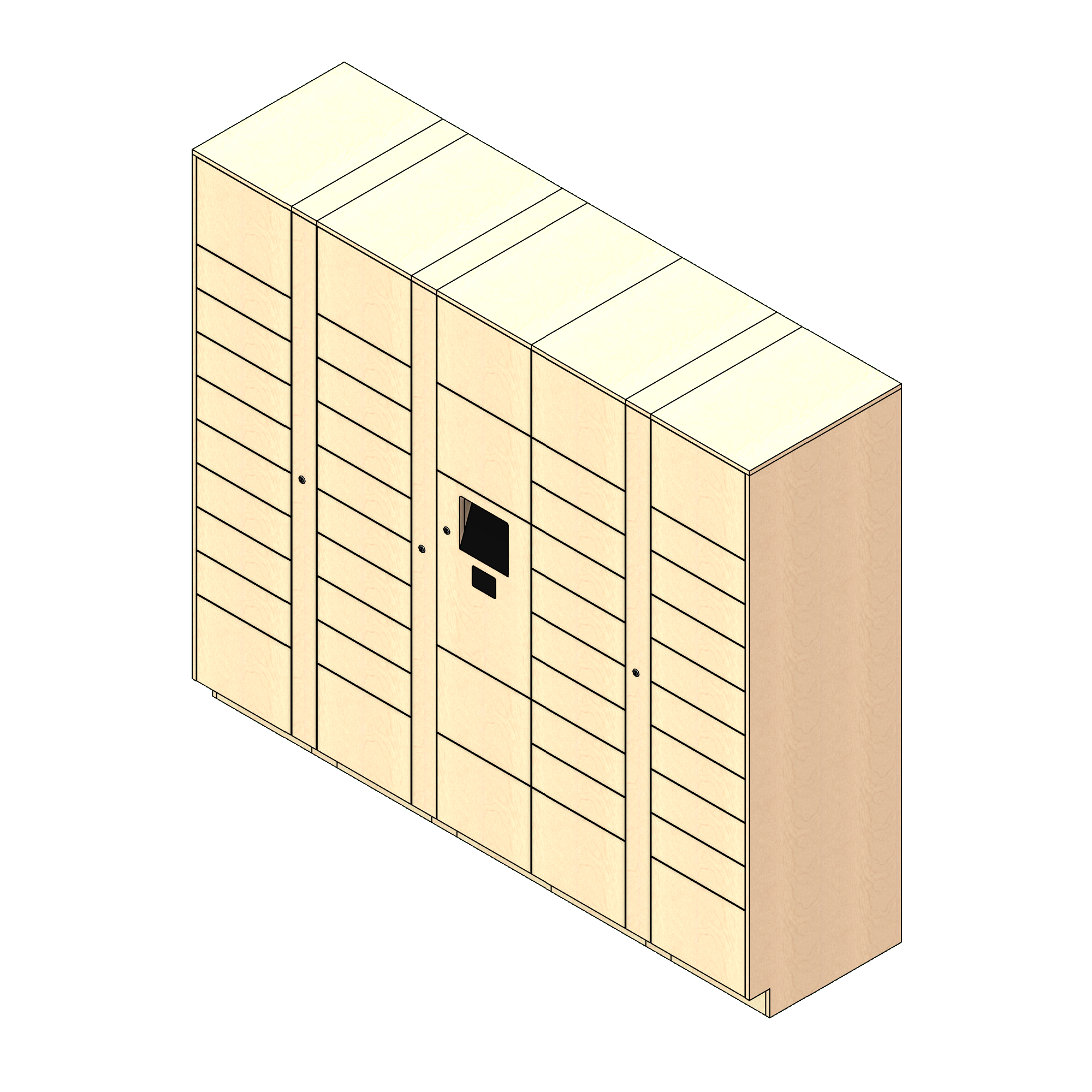
Smart lockers are the primary path when the goal is to track who retrieved a returnable item and whether it came back.
Explore Smart Lockers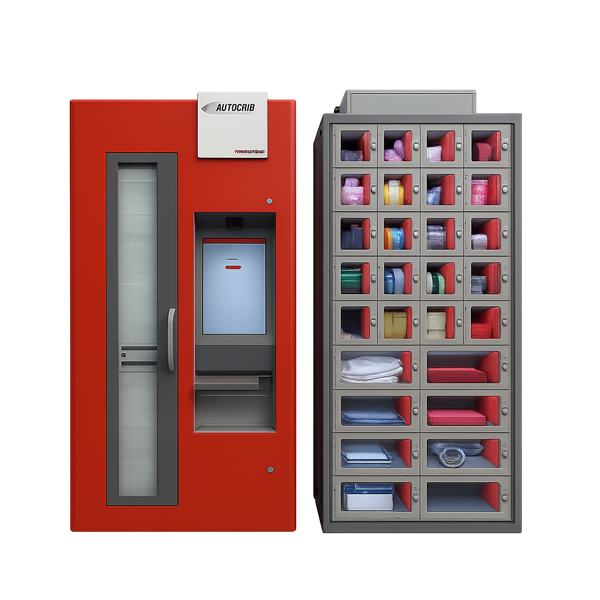
Industrial Vending Machines
Industrial vending is the better path when the facility needs to control issue activity for PPE, consumables, supplies, or selected tools rather than manage each item as a returnable asset.
Explore Industrial Vending Machines
Keyless Lockers
Keyless lockers are a practical fit when the main issue is replacing physical keys, unmanaged cabinets, or basic locks with code-access or credential-compatible storage.
Explore Keyless LockersStop Relying on Paper Logs to Find Missing Tools
Tell Southwest Solutions Group what tools, test equipment, shared devices, or supplies your team manages today, how employees pick them up, and what return records managers need.
SSG can help evaluate item sizes, access rules, credential options, pickup and return workflows, and whether smart lockers, keyless lockers, industrial vending, or a combined path is the right fit before you commit to a layout or product direction.
Call us at (800) 803-1083 or Contact Us to get started.
Get a Custom Design