How To Automate Supply And Equipment Dispensing Without Losing Control
Learn how to automate supply and equipment dispensing so authorized users can pick up, check out, or return controlled items without waiting for staff.
How to Automate Supply and Equipment Dispensing with Controlled Access
Staffed issue windows, open shelving, paper requisitions, and spreadsheet logs slow routine distribution and leave managers with incomplete records. The friction is most noticeable in supply rooms, tool rooms, IT counters, campus departments, and shared pickup areas where employees need approved items quickly, but access still has to be controlled.
A controlled dispensing workflow uses secured compartments and user authentication to support self-service pickup, checkout, issue, loan, return, or sales activity. Transactions are recorded according to the selected configuration, and access can be planned around user, role, assignment, or quantity rules where supported.
What Gets Better When Dispensing Is Automated
Shorter Waits at Issue Points
Authorized users retrieve approved items from secured compartments instead of waiting for a counter attendant, which helps during shift changes, busy pickup periods, and requests outside normal staffed hours.
Clearer Records for Controlled Items
Recorded pickup, return, loan, issue, or sales activity gives managers a more reliable activity trail than paper forms or delayed spreadsheet updates.
Access Matched to User Need
Credential-based access can be planned around users, roles, assignments, departments, or item categories where the selected configuration supports those controls.
Less Exposure from Open Inventory
Controlled compartments keep restricted supplies and shared equipment available without leaving every item on an unrestricted shelf where use is difficult to verify.
Better Restocking Decisions
Transaction history helps teams see what moved, when it moved, and where replenishment is needed before empty compartments or missing items interrupt work.
One Path for Issues, Loans, and Returns
A compartment-based workflow can handle consumable issue items and returnable assets in the same access model, while still allowing each item type to follow its own rule set.
Applications for Self-Service Supply and Equipment Distribution
PPE and Consumables in Supply Rooms
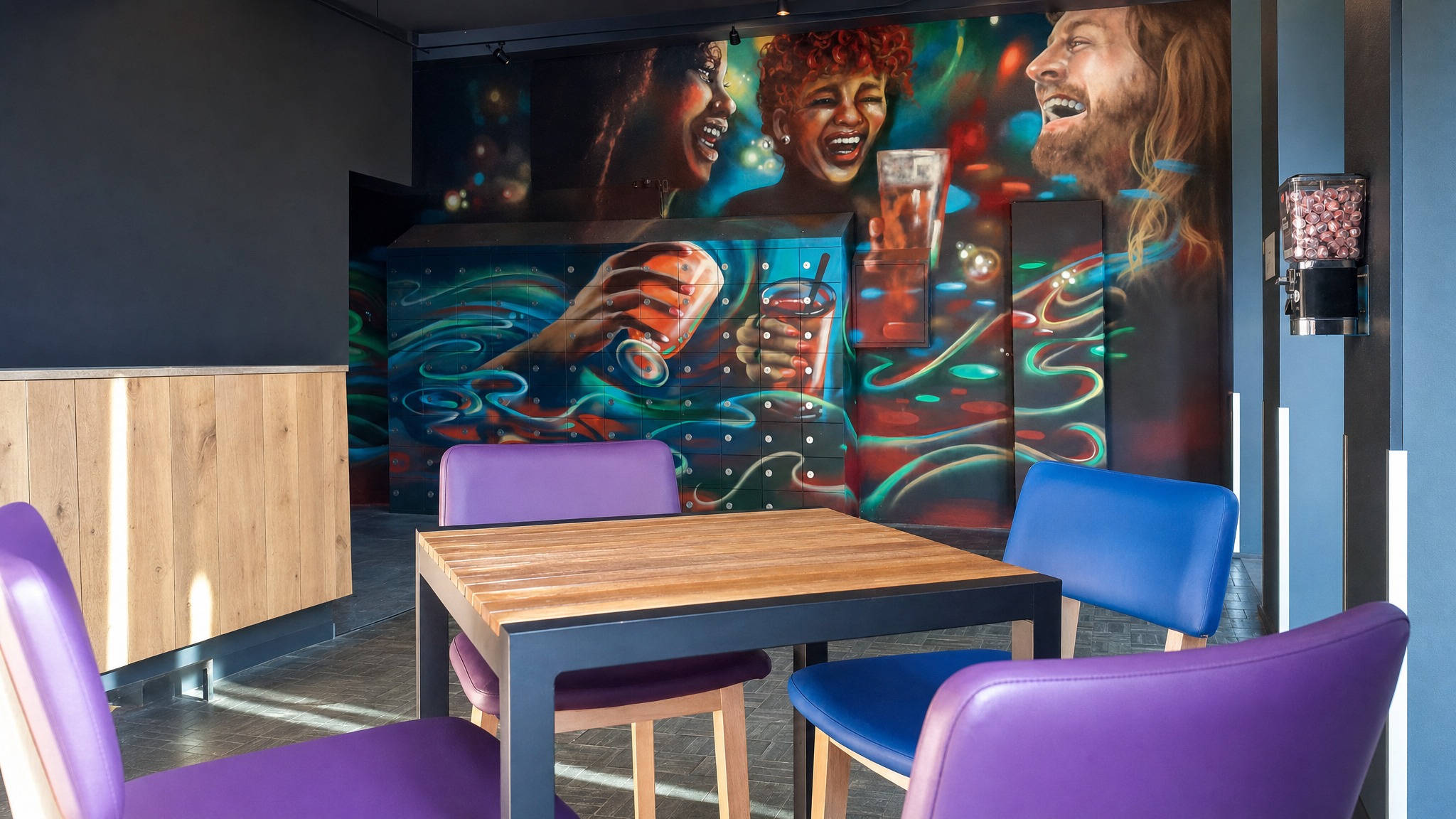
Maintenance teams, warehouse employees, and shift workers often need routine consumables without waiting for a supply room attendant. When those items are controlled, open bins and manual sign-out sheets make usage hard to verify.
Automated supply dispensing can place approved items in secured compartments, tie access to authorized users, and create activity records that support usage review and replenishment planning.
- Plan compartment sizes around packaging, issue quantities, and refill frequency
- Separate general-use items from restricted or higher-value supplies
- Confirm whether user or quantity rules are required before selecting the configuration
- Place pickup points where employees already enter, exit, or stage work


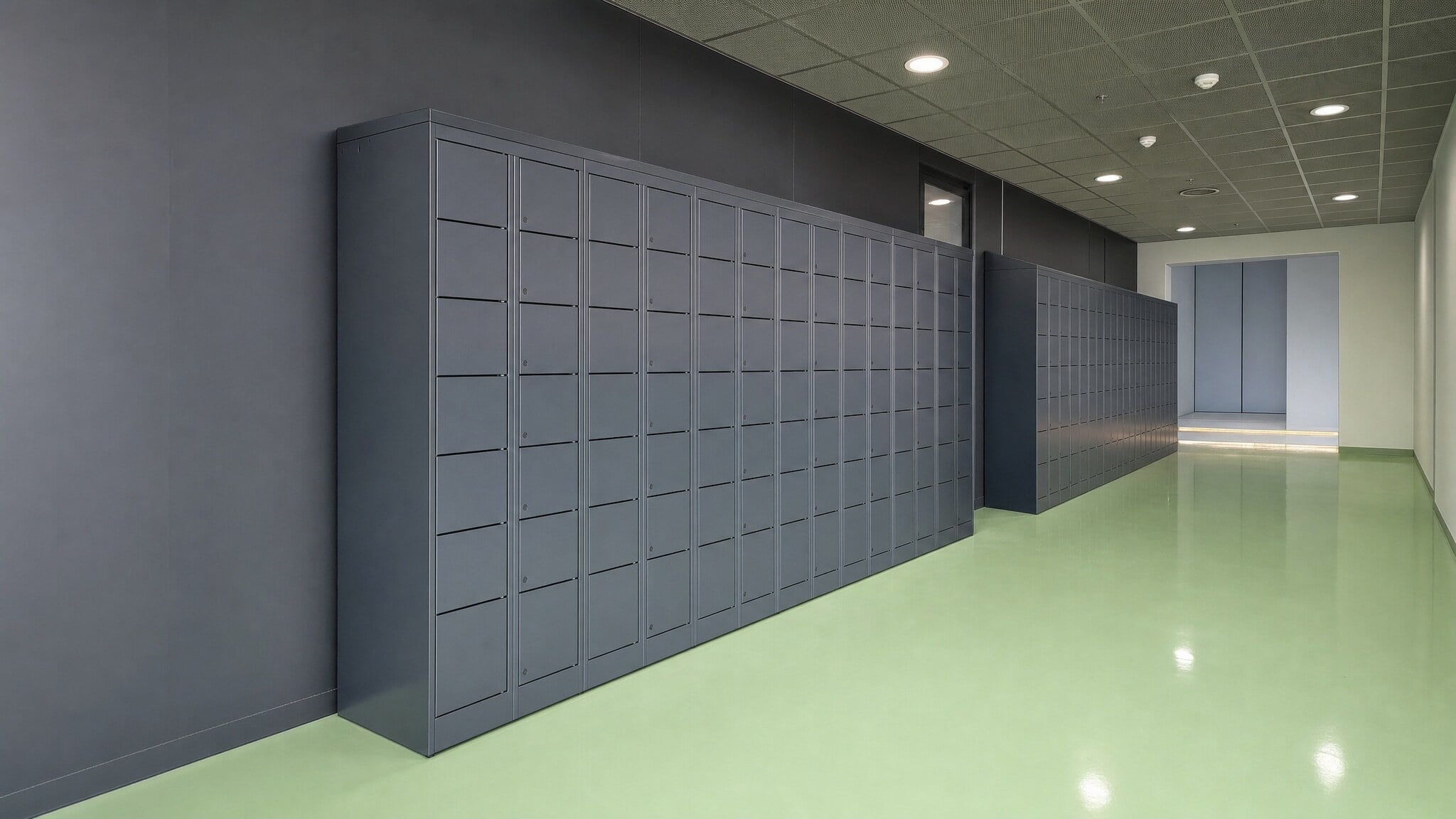


Smart Lockers: Controlled Dispensing, Pickup, and Return Workflows
Smart lockers are the strongest fit when self-service distribution needs software-controlled access, authenticated users, recorded activity, alerts, and administrative visibility. They work well when items vary in size, must be assigned to specific users, or need both pickup and return handling.
Use this path when the workflow depends on more than simple compartment access. During planning, confirm the item mix, compartment sizes, credential method, access rules, reporting needs, power, connectivity, and whether activity should be tracked for issue, loan, return, or sales transactions.
- Best fit for controlled supplies, shared devices, tools, kits, equipment loans, returns, and staged pickup
- Supports badge, PIN, QR, or mobile access based on the selected configuration
- Can provide logs, alerts, audit trails, usage visibility, and administrative control where configured
- Useful when conventional vending is too limited for mixed item sizes or return workflows
- Expandable modules can be planned as user groups, item types, or locations grow
Keyless Lockers: Simpler Controlled Access Without Physical Keys
Keyless lockers fit when the main requirement is secure compartment access without managing metal keys. Depending on the selected system, users may open compartments with keypad, PIN, RFID, card, or mobile credentials, and some configurations may include basic audit or monitoring features.
Use this path for simpler employee supply checkout, day-use storage, assigned compartments, visitor access, or shared equipment control. Confirm whether the workflow only needs keyless entry or whether a smart locker is required for deeper transaction records, alerts, quantity rules, and administrative reporting.
- Best fit for day-use, assigned-use, visitor, employee, or simpler shared access workflows
- Helps reduce lost key replacements and manual key administration
- Supports code-access or credential-compatible entry depending on selected locks
- Can be used for mobile devices, personal items, shared equipment, or temporary storage
- May be lower fit when the workflow requires advanced transaction management or item-level activity rules
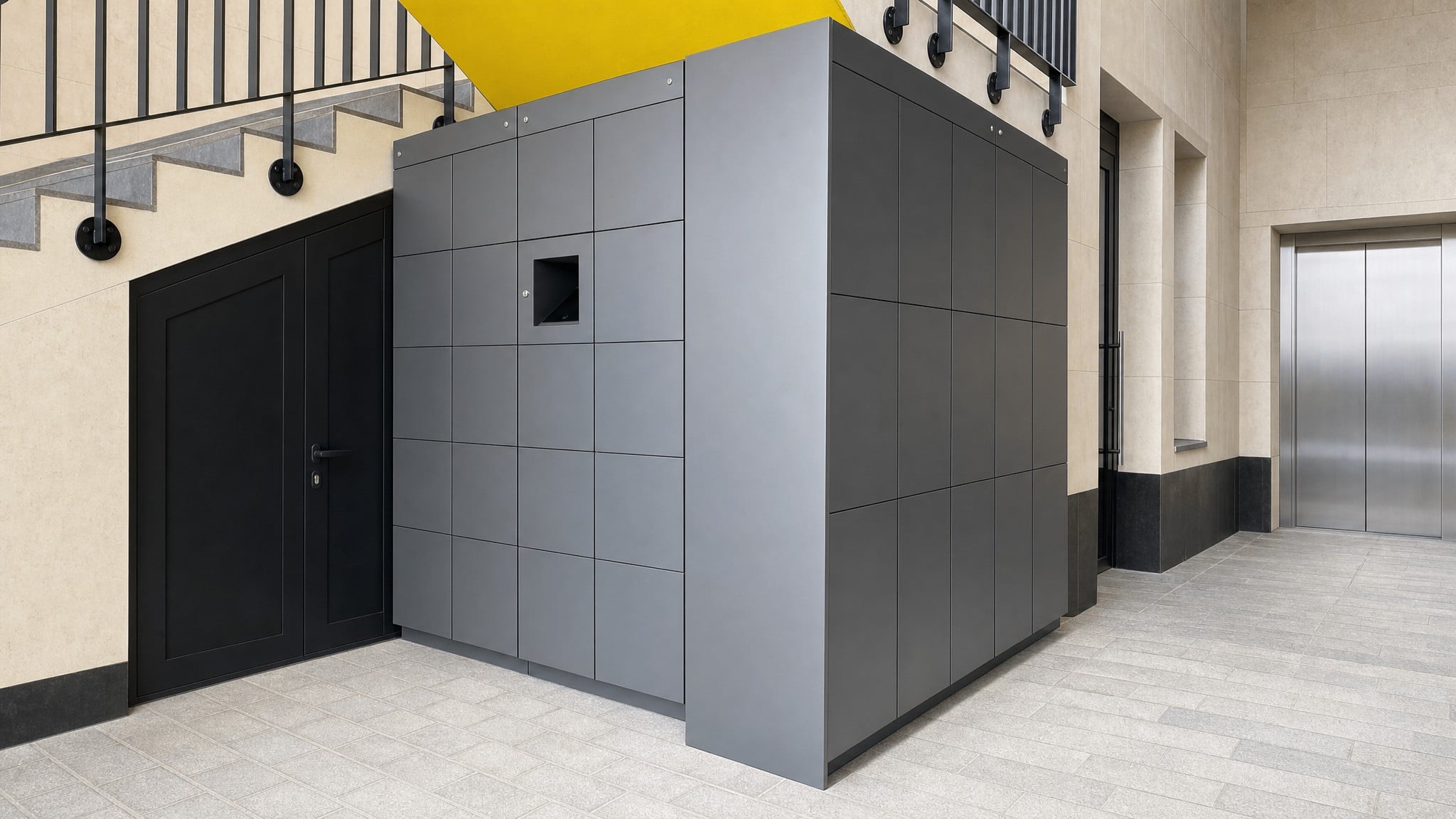
Compare Common Supply and Equipment Dispensing Approaches
The table compares manual workarounds, conventional vending, and SSG-recommended locker paths so you can match the approach to your item mix, access rules, and recordkeeping needs.
| Approach | How It Works | Best Fit | Limitations | Role On This Page |
|---|---|---|---|---|
| Staffed Issue Window | Employees request supplies, tools, devices, or kits from a person at a counter or supply room. | Unusual requests, exception handling, or items that require direct staff review every time. | Creates lines, limits access to staffed hours, and keeps routine distribution dependent on an attendant. | Comparison baseline showing why buyers look for automation. |
| Open Shelving | Items are placed in an accessible area and users take what they need. | Low-control, low-value consumables where user-level records are not important. | Provides limited visibility into who took controlled items, when they moved, or whether usage rules were followed. | Limited-fit workaround for uncontrolled consumables. |
| Paper Requisitions Or Spreadsheet Logs | Users or staff manually record pickup, checkout, return, or usage activity. | Very small teams with low transaction volume and minimal access rules. | Records can be incomplete, delayed, inconsistent, or difficult to reconcile before restocking decisions are made. | Manual process that automation is intended to replace. |
| Conventional Vending Machine | Items are dispensed from a vending-style unit, often for standardized consumables. | Small, repeatable items that fit the vending format and do not need return handling. | May be less adaptable for larger tools, shared devices, grouped kits, returnable assets, or mixed pickup and return workflows. | Comparison-only option for an equipment vending workflow. |
| Smart Locker Dispensing Workflow | Users authenticate, open assigned or available compartments, and activity is recorded through the locker management workflow. | Controlled supplies, shared devices, tools, kits, equipment loans, pickup, return, and self-service equipment distribution. | Requires planning around item sizes, compartment mix, user permissions, power, connectivity, and administrative process. | Primary recommended SSG path. |
| Keyless Locker Access Workflow | Users open compartments with PIN, RFID, card, or mobile credentials instead of physical keys. | Simpler controlled access, day-use storage, assigned compartments, visitor access, or employee supply checkout. | May not provide the same level of alerts, analytics, workflow automation, or transaction management as a full smart locker configuration. | Supporting SSG path for simpler access-control needs. |
How SSG Plans a Controlled Dispensing Project
Southwest Solutions Group helps organizations map how controlled items move through issue, pickup, checkout, return, and replenishment before recommending a smart locker or keyless locker path. That planning helps align compartment layout, credential approach, activity visibility, and installation requirements with the way users actually receive and return items.
Assess Your Space
Review where items are stored now, how users reach the pickup point, where returns should go, and whether the lockers will be located in a supply room, hallway, campus area, mailroom-style pickup zone, or operational support space.
Recommend the Right Solution
Compare smart lockers and keyless lockers based on your need for transaction records, audit trails, alerts, usage visibility, access credentials, user assignments, quantity rules, or simpler keyless access.
Design & Engineer the Layout
Plan the compartment mix, module placement, access points, user flow, power, connectivity, credential compatibility, and administrative workflow around the items being dispensed and the people who need authorized access.
Install & Support
Coordinate delivery, installation, and project support so users can access approved compartments and administrators can manage permissions, review activity, and adjust the workflow as needs change.
Related Case Studies
Explore documented projects with related products, applications, or operational challenges.

University of Houston School of Dentistry Automates Dental Instrument Kit Distribution with Smart Lockers
Smart lockers helped the school automate dental instrument kit distribution while improving pickup visibility, inventory control, and student accountability.
Read Case Study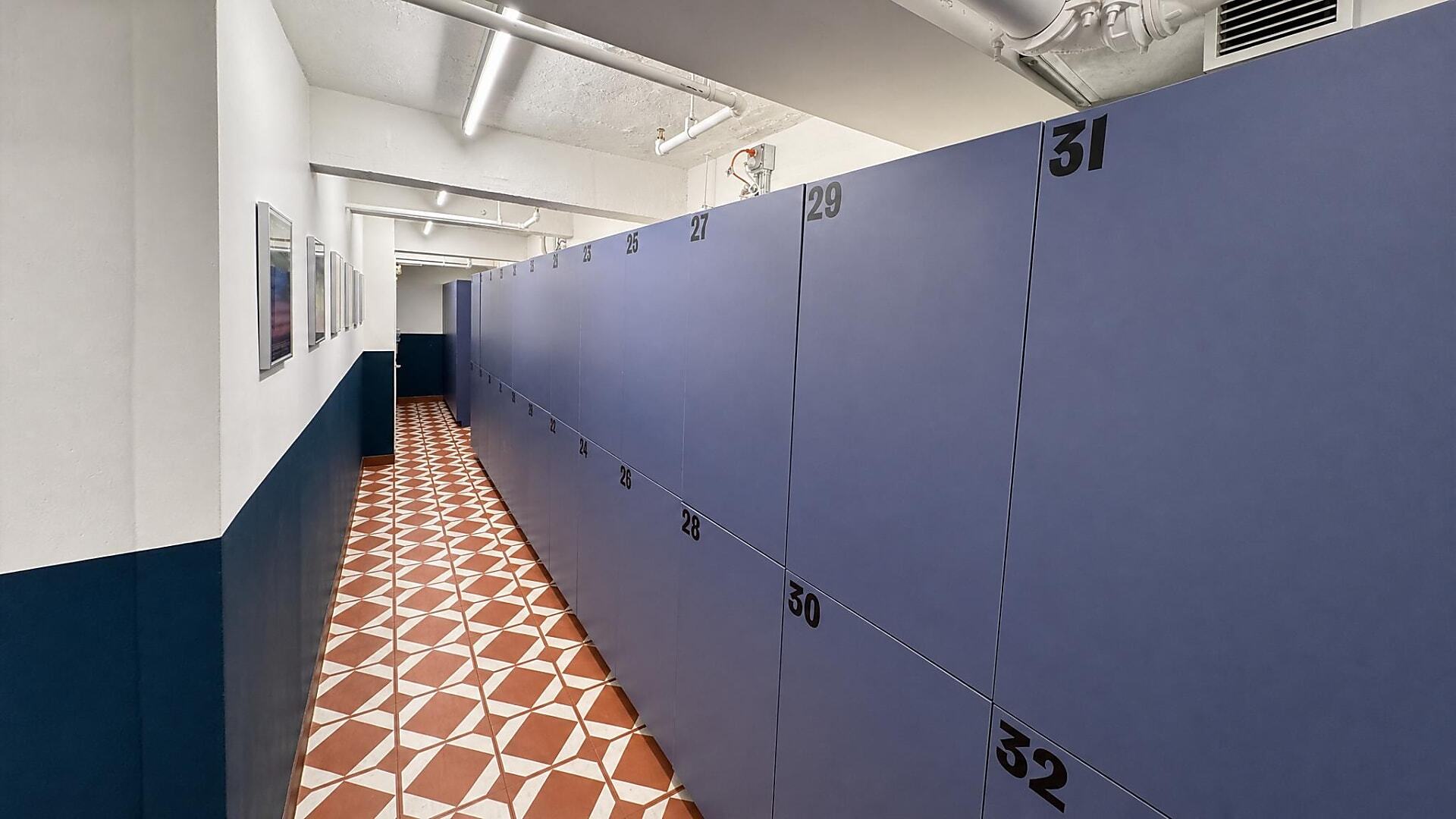
Dove Tail and Company Adds Guest Lockers with 9-Month ROI
See how a New York hotel added secure guest lockers, created a new revenue stream, and reported a nine-month return on investment.
Read Case StudyFrequently Asked Questions
Locker-based dispensing can support PPE, consumables, shared devices, tools, kits, project materials, returnable equipment, and staged pickup items when the compartment layout fits the item. Compatibility should be reviewed during planning because item size, packaging, access rules, and return requirements affect the best configuration.
Access can be planned around users, roles, assignments, departments, credentials, and usage rules where the selected smart locker or keyless locker configuration supports those controls. If quantity limits or item-specific permissions are important, that requirement should be defined before choosing the system.
Smart locker workflows can record activity such as pickup, issue, loan, return, or sales transactions through user authentication, compartment activity, logs, alerts, and audit trails depending on the configuration. This creates a clearer record than paper requisitions or spreadsheet logs that rely on manual updates.
A locker workflow is often a better fit when the items include shared devices, larger tools, grouped kits, returnable assets, or mixed pickup and return activity. Conventional vending machines may be useful for standardized consumables, but compartment-based access is more adaptable when items vary in size or need to be loaned and returned.
Smart lockers are usually the stronger fit when you need self-service dispensing with audit trails, alerts, usage visibility, software-controlled access, and pickup or return workflows. Keyless lockers may fit when the main need is secure compartment access without keys, such as PIN, RFID, card, or mobile credential entry.
Yes, the workflow can be designed around consumable issue items and returnable equipment, but those workflows should be planned separately. Consumables may need quantity or usage visibility, while loaned tools, kits, or devices may need return compartments, assigned access, and audit trails.
Some locker configurations can support badge, RFID, PIN, QR, or mobile credentials, and credential compatibility can be evaluated during planning. Shared credential use is not the same as verified access-control platform compatibility, so any required connection method, data exchange, or administrative process should be confirmed before purchase.
Smart locker modules can be planned for current item volumes and expanded as user groups, locations, or dispensing needs grow. Early planning should account for compartment sizes, indoor or outdoor placement, administrative responsibilities, power, connectivity, and future item categories.
Related Products
Smart Lockers
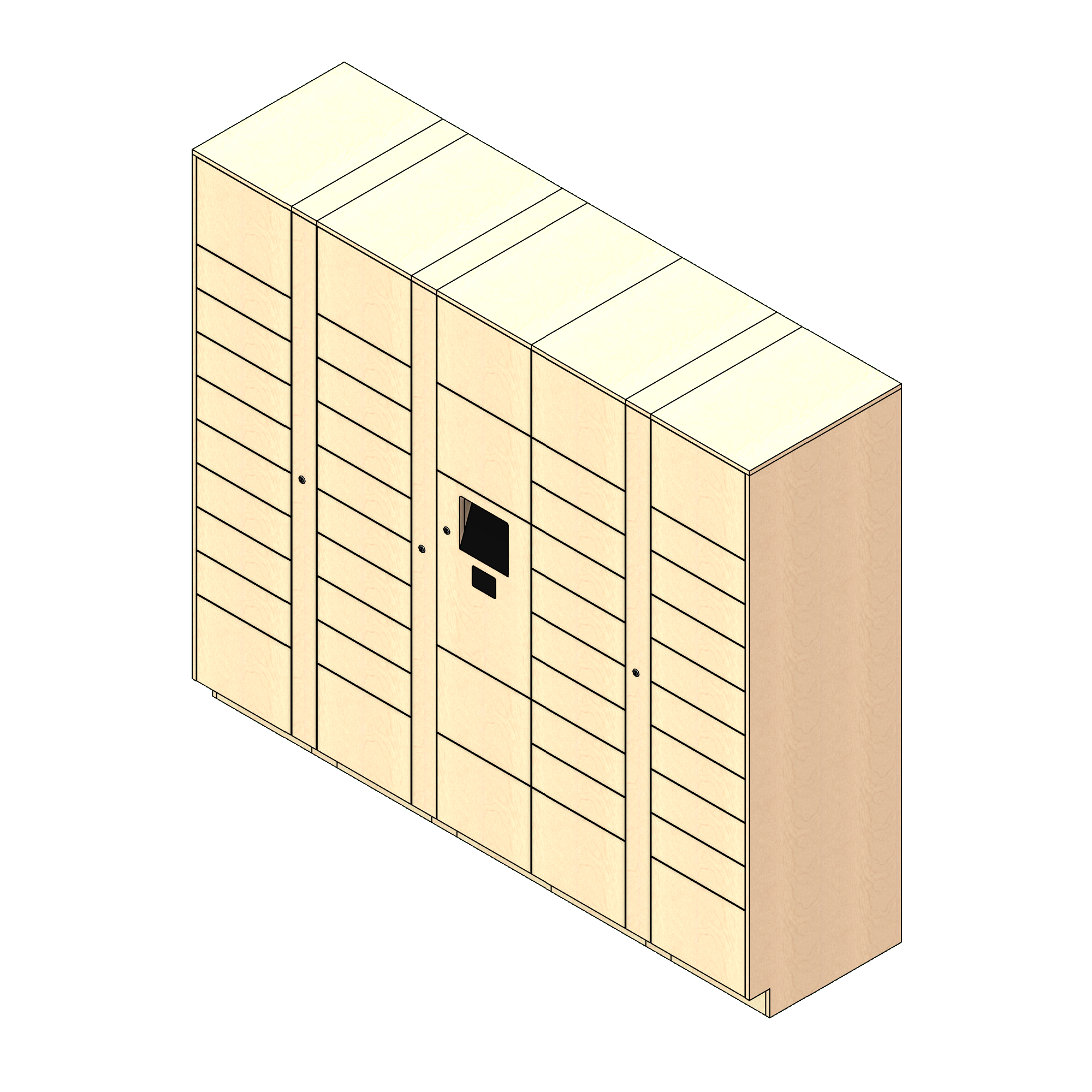
Smart lockers are the strongest fit when self-service distribution needs software-controlled access, authenticated users, recorded activity, alerts, and administrative visibility.
Explore Smart Lockers
Keyless Lockers
Keyless lockers fit when the main requirement is secure compartment access without managing metal keys.
Explore Keyless LockersDesign a Self-Service Dispensing Workflow Around Your Items, Users, and Rules
If staffed supply rooms, open inventory, paper requisitions, or spreadsheet logs are slowing distribution, Southwest Solutions Group can help you evaluate a more accountable self-service workflow.
Tell us what you need to dispense, who needs access, which items are issued or returned, and what transaction visibility you need. We can help compare smart locker and keyless locker options before you commit to a product, layout, or project direction.
Call us at (800) 803-1083 or Contact Us to get started.
Get a Custom Design