How to Automate Order Pickup and Returns Without Expanding the Service Counter
Learn how to automate order pickup and returns with authenticated self-service compartments that let customers collect or return items while staff keep a traceable handoff record.
How to Automate Order Pickup and Returns
Staffed pickup counters create friction when customers arrive in waves, orders are staged on will-call shelving, and employees must verify every handoff or return. The result is longer lines, limited collection windows, more phone coordination, and less time for staff to handle exceptions or prepare the next order.
An automated pickup and return workflow moves routine handoffs into secure, assigned compartments. Staff stage the order or define the return path, then the customer uses an approved access method to complete the transaction. Managers keep a clearer activity record while customers gain a more predictable self-service pickup or drop-off experience.
What Gets Better When Pickup Moves to Self-Service
Shorter Lines at Pickup Counters
Ready orders can move into assigned compartments, so customers do not wait for an employee to find each item and complete every handoff in sequence.
Collection Windows That Fit Customer Schedules
Where site access allows it, approved customers can collect staged orders beyond normal counter hours without creating one-off appointments or special curbside coordination.
Clearer Handoff Records
Access logs and activity records help managers confirm when a pickup or return occurred, reducing reliance on paper notes, spreadsheets, phone verification, or verbal updates.
Fewer Routine Staff Interruptions
Employees can load orders or review returns in planned batches, then focus counter time on exceptions, customer questions, and orders that still need assisted service.
More Controlled Return Drop-Offs
Customers get a defined place to leave approved returns, while staff can review the event and move the item into inspection, restocking, or follow-up steps.
Better Match Between Compartments and Order Mix
Planning compartment sizes around actual order profiles helps avoid forcing every item through the same counter process or relying on unsecured overflow staging.
Applications for Automated Retail Pickup and Returns
Retail Order Pickup for BOPIS and Click-And-Collect

Retail stores often see pickup demand cluster after work, during lunch hours, or around promotions. Staff must balance in-store customers with online orders waiting behind the counter.
A self-service order pickup workflow lets staff stage ready orders in assigned compartments and notify customers when collection is available. The handoff happens without adding another staffed line.
- Plan compartment access near the customer pickup path
- Use notifications only after the order is staged
- Reserve staff assistance for exceptions and order questions
- Helps reduce click and collect queues during peak arrivals


Smart Lockers: Configurable Pickup, Return, and Item Handoff Workflows
Smart lockers fit order pickup and returns when the workflow involves more than standard parcel collection. They are a strong option for mixed handoffs such as parts, devices, customer orders, shared items, temporary access, and return drop-offs that need controlled compartment access.
The best configuration depends on how staff load items, how customers reach the system, which access methods are supported, and what activity records managers need. SSG can help translate those workflow requirements into a layout and operating plan without turning the solution page into a product specification exercise.
- Use when pickup and return scenarios vary by item type or user group
- Confirm supported credentials such as badge, PIN, QR code, mobile, RFID, or ID card access by system
- Plan for staff loading access, customer approach space, and compartment mix
- Consider indoor or outdoor placement based on selected system and site conditions
- Review administrative logs, alerts, and reporting needs during selection
Smart Parcel Lockers: Package-Style Order Pickup and BOPIS Handoffs
Smart parcel lockers fit best when the main need is package-style pickup, BOPIS collection, or parcel handoff. Staff or couriers load an assigned compartment, and the customer receives a supported pickup credential after the item is ready.
This path is most useful when orders are similar to parcels and the priority is moving ready items out of the staffed counter line. Before selection, confirm compartment sizing, placement, customer notification options, branding needs, and any IT or credential requirements supported by the chosen system.
- Use for retail order pickup, BOPIS, parcels, and package-style handoffs
- Plan compartment sizes around typical order dimensions
- Confirm notification and access options supported by the system
- Review placement for customer flow, weather exposure, and staff loading
- Support extended access only where the facility layout and policy allow it

Common Ways to Handle Pickup and Returns
This comparison includes manual workarounds and recommended self-service paths so teams can see where each approach fits before choosing a system.
| Approach | How It Works | Where It Fits | Operational Limitations | Recommended Role |
|---|---|---|---|---|
| Staffed Pickup Counter | Customers wait for an employee to locate the order, verify the customer, and complete the handoff. | Low-volume pickup environments or orders that require direct employee review. | Creates lines, limits pickup to staffed hours, and ties employees to each transaction. | Useful for assisted service and exceptions, but not the best primary path for routine high-volume pickup. |
| Curbside Handoff | Customers notify staff on arrival, then an employee brings the order to a vehicle or pickup point. | Special service models or customers who need assisted pickup. | Requires arrival monitoring, staff availability, customer coordination, and manual confirmation. | A supplemental service, not a fully self-service order pickup workflow. |
| Will-Call Shelving | Orders are placed on shelves or behind a counter until a customer or employee retrieves them. | Simple internal staging areas with controlled staff access. | Adds search time, manual verification steps, and weaker visibility into who received the item. | A limited-fit option for low-volume operations or staff-only staging. |
| Phone Verification and Manual Return Logs | Staff confirm identity, pickup status, or return receipt by phone, paper log, spreadsheet, or manual entry. | Temporary processes or small operations without a formal handoff system. | Adds administrative work and makes transaction records harder to keep consistent. | A short-term workaround, not a scalable self-service returns workflow. |
| Authenticated Self-Service Pickup and Returns | Staff assign an order or return to a secure compartment, and the customer uses a supported credential such as a PIN, QR code, mobile app, badge, or browser-based access method. | Retail pickup, parts counters, after-hours collection, BOPIS, and customer return workflows. | Requires planning for compartment sizes, placement, access rules, customer notifications, and staff loading procedures. | Recommended path for reducing click-and-collect queues while keeping a traceable handoff record. |
How SSG Plans an Automated Order Handoff Workflow
Southwest Solutions Group helps teams convert staffed counters, will-call shelving, curbside handoffs, and return desks into practical self-service workflows. Planning starts with customer flow, staff loading, compartment sizing, access methods, notifications, and the physical footprint required to support traceable pickup and returns.
Assess Your Space
We review the current pickup counter, return area, will-call shelving, customer path, staffed hours, peak pickup patterns, item types, and where employees lose time during manual handoffs.
Recommend the Right Solution
We help determine whether smart lockers, smart parcel lockers, or a phased self-service transition is the better fit based on order types, return handling, customer access rules, notification needs, and visibility requirements.
Design and Engineer the Layout
We plan compartment mix, system placement, staff loading access, customer approach space, indoor or outdoor suitability, power and connectivity considerations, and available planning resources such as Revit files when applicable.
Install and Support
We provide installation and support so the selected workflow can move from staffed-only handoffs to authenticated self-service pickup and returns with clear procedures for staff and customers.
Related Case Studies
Explore documented projects with related products, applications, or operational challenges.
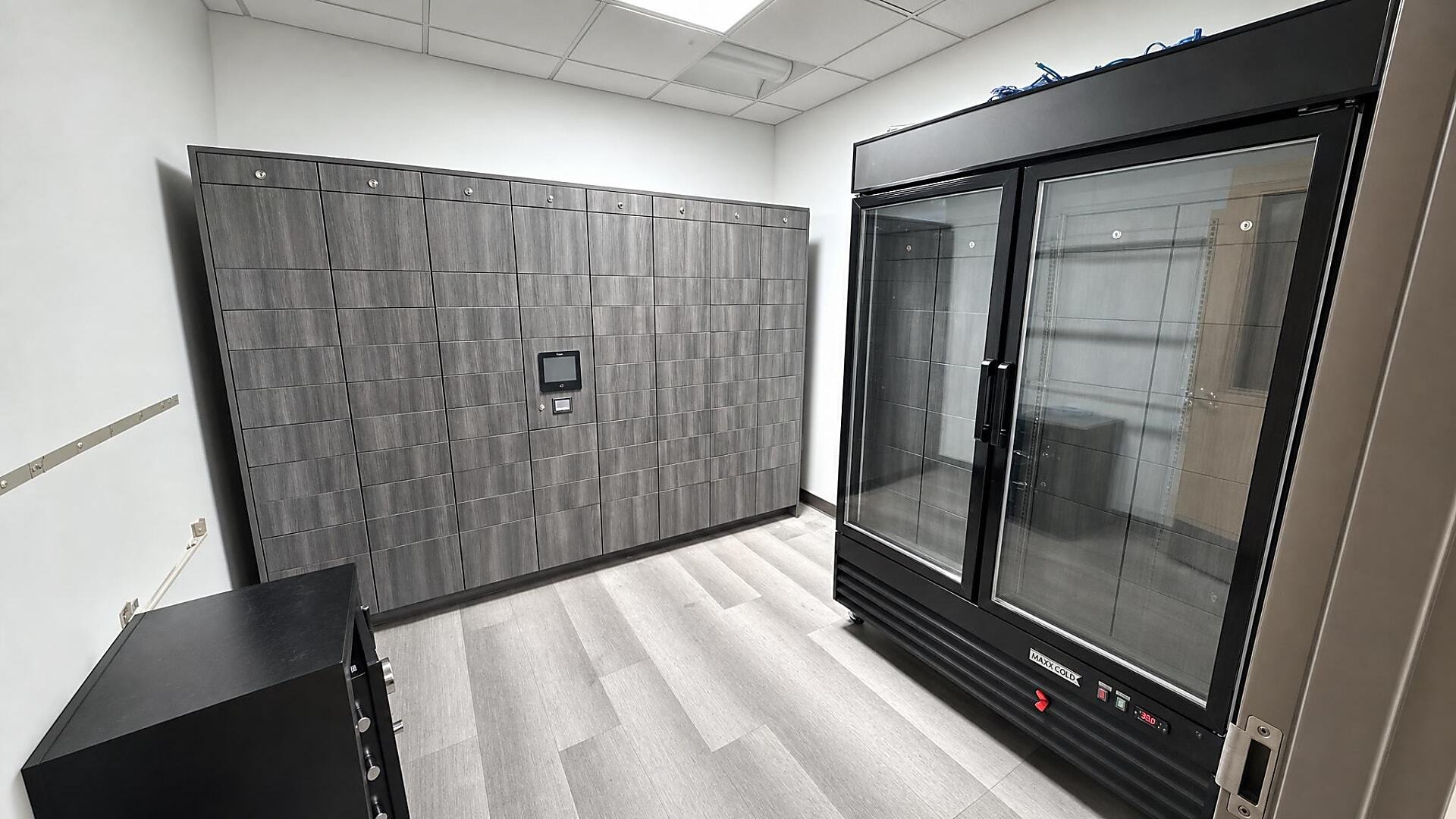
City of Las Vegas Secures Medication Pickup with Smart Lockers
Far superior controlled access and security. Audit trails for security and HIPAA regulation compliance.
Read Case Study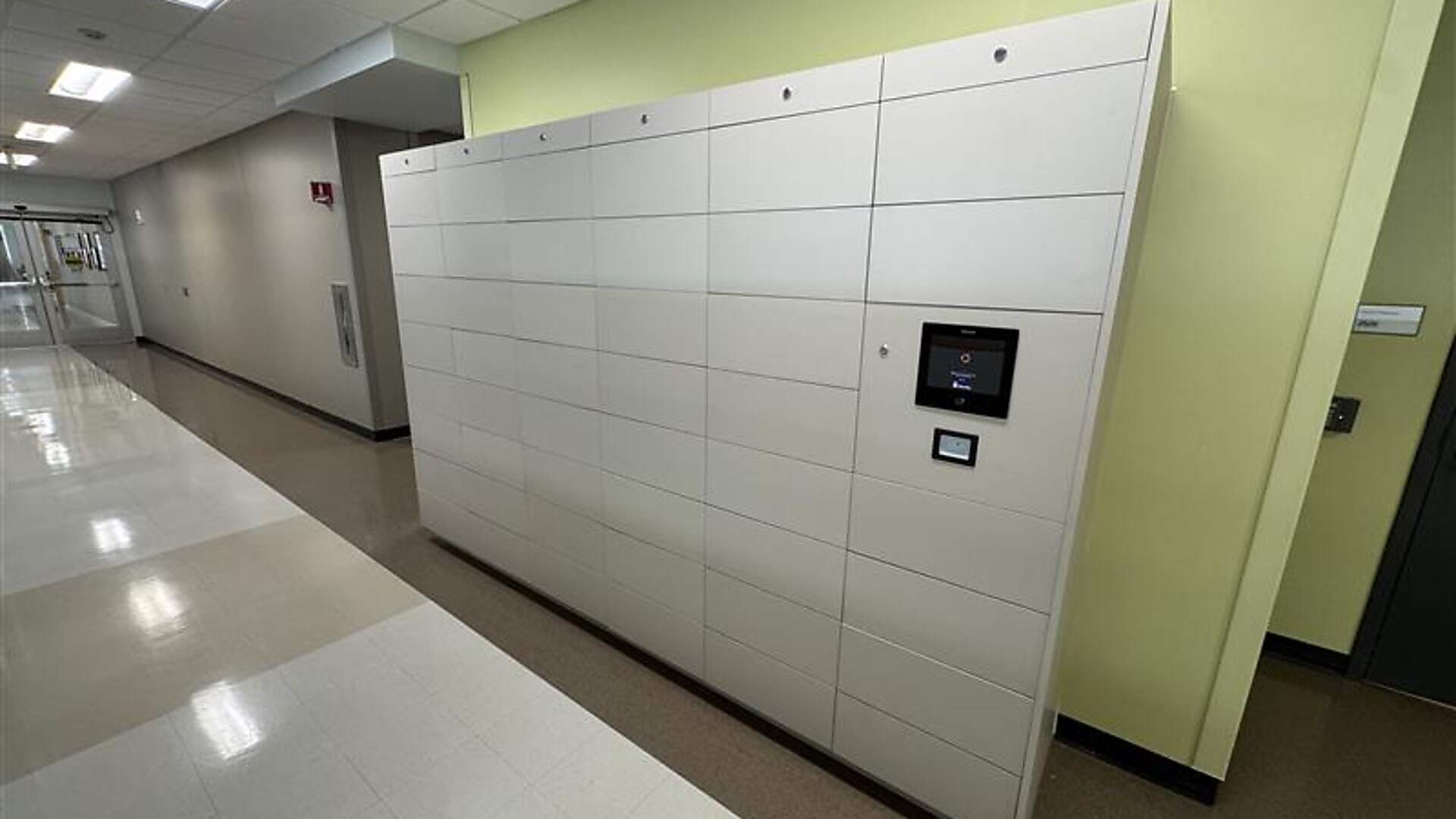
University of Houston School of Dentistry Automates Dental Instrument Kit Distribution with Smart Lockers
Smart lockers helped the school automate dental instrument kit distribution while improving pickup visibility, inventory control, and student accountability.
Read Case Study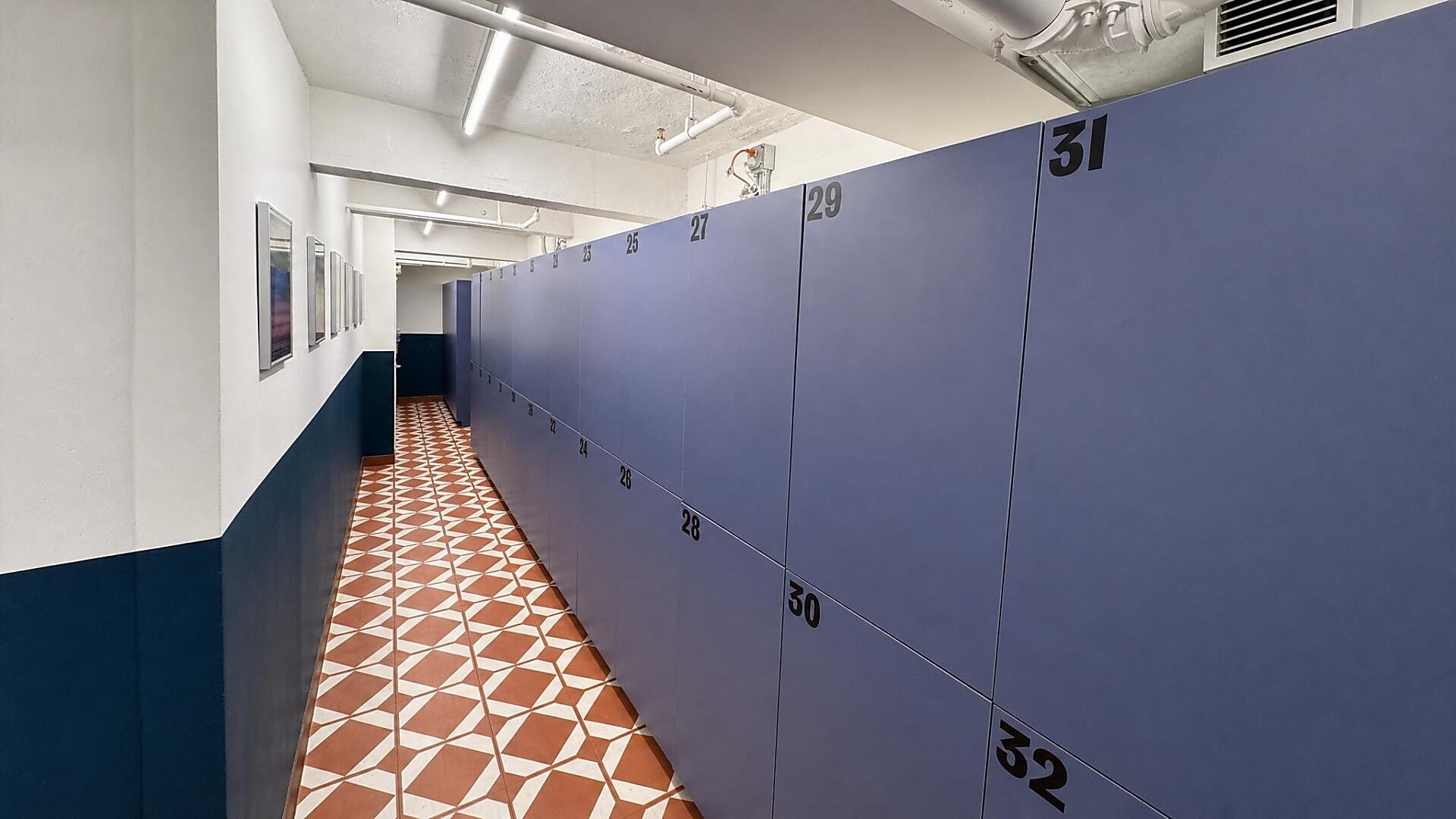
Dove Tail and Company Adds Guest Lockers with 9-Month ROI
See how a New York hotel added secure guest lockers, created a new revenue stream, and reported a nine-month return on investment.
Read Case StudyFrequently Asked Questions
Staff place a ready order into an assigned secure compartment and associate that compartment with the customer or order. The customer receives a supported credential, such as a PIN, QR code, mobile app notification, badge, or browser-based access method, then retrieves the item. The access event can be recorded through logs or audit trails depending on the selected system.
Supported access methods can include PIN codes, QR codes, mobile app access, badge access, RFID, ID card access, or browser-based workflows depending on the system and configuration. During planning, SSG can help evaluate which credentials make sense for your customers, staff, and facility access policies.
Yes, smart locker workflows can support returns when the process is planned in advance. The return path should define how the customer receives access, where the item is placed, how staff are notified or review the return, and how exceptions are handled.
At a workflow level, an order or return is assigned to a specific compartment and tied to a customer credential. That connection allows the correct customer to open the correct compartment and gives managers a record of the pickup or return event.
After-hours order collection can be supported when the facility layout, access policy, selected system, and security requirements allow customers to reach the lockers outside staffed counter hours. Placement is important because customers may need access to a lobby, vestibule, exterior station, or other approved pickup area.
A package locker system may be one product path, especially for BOPIS, parcels, and delivery-style handoffs. The broader solution is the pickup and return workflow, which may also involve smart lockers for parts, devices, temporary access, shared use, or other item handoffs.
Many smart locker systems can support credential options such as badges, RFID, PINs, QR codes, mobile apps, or ID cards. Shared-credential compatibility is not the same as a verified data exchange with an existing access-control or IT platform, so specific requirements should be evaluated during project planning.
Review pickup volume, peak arrival times, return volume, item sizes, customer notification needs, staff loading procedures, placement, access methods, and management reporting requirements. You should also decide which transactions still need employee assistance so self-service handles routine handoffs without removing support for exceptions.
Related Products

Smart Lockers
Smart lockers fit order pickup and returns when the workflow involves more than standard parcel collection.
Explore Smart Lockers
Smart Parcel Lockers
Smart parcel lockers fit best when the main need is package-style pickup, BOPIS collection, or parcel handoff.
Explore Smart Parcel LockersReady to Move Pickup and Returns Out of the Queue?
Share your current pickup counter, will-call, curbside, or return workflow with Southwest Solutions Group. Our team can help evaluate customer flow, order sizes, access methods, compartment planning, notification needs, and traceability requirements before you commit to a product or layout.
We can help you choose the right smart locker or smart parcel locker path, plan the physical layout, and move routine customer handoffs into a more controlled self-service process.
Call us at (800) 803-1083 or Contact Us to get started.
Get a Custom Design